

SharePlay in Field Maps for Advanced Collaboration
A dynamic, connected, in-app iOS experience to support greater spatial awareness and collaborative efficiency for field workers.
Company
Esri
Timeline
3 months
Responsibilities
UX/UI Design • Prototyping • Documentation • Developer Handoff
Team
Product Designer II • Lead Product Designer • 1 Developer • 2 QA engineers
Overview
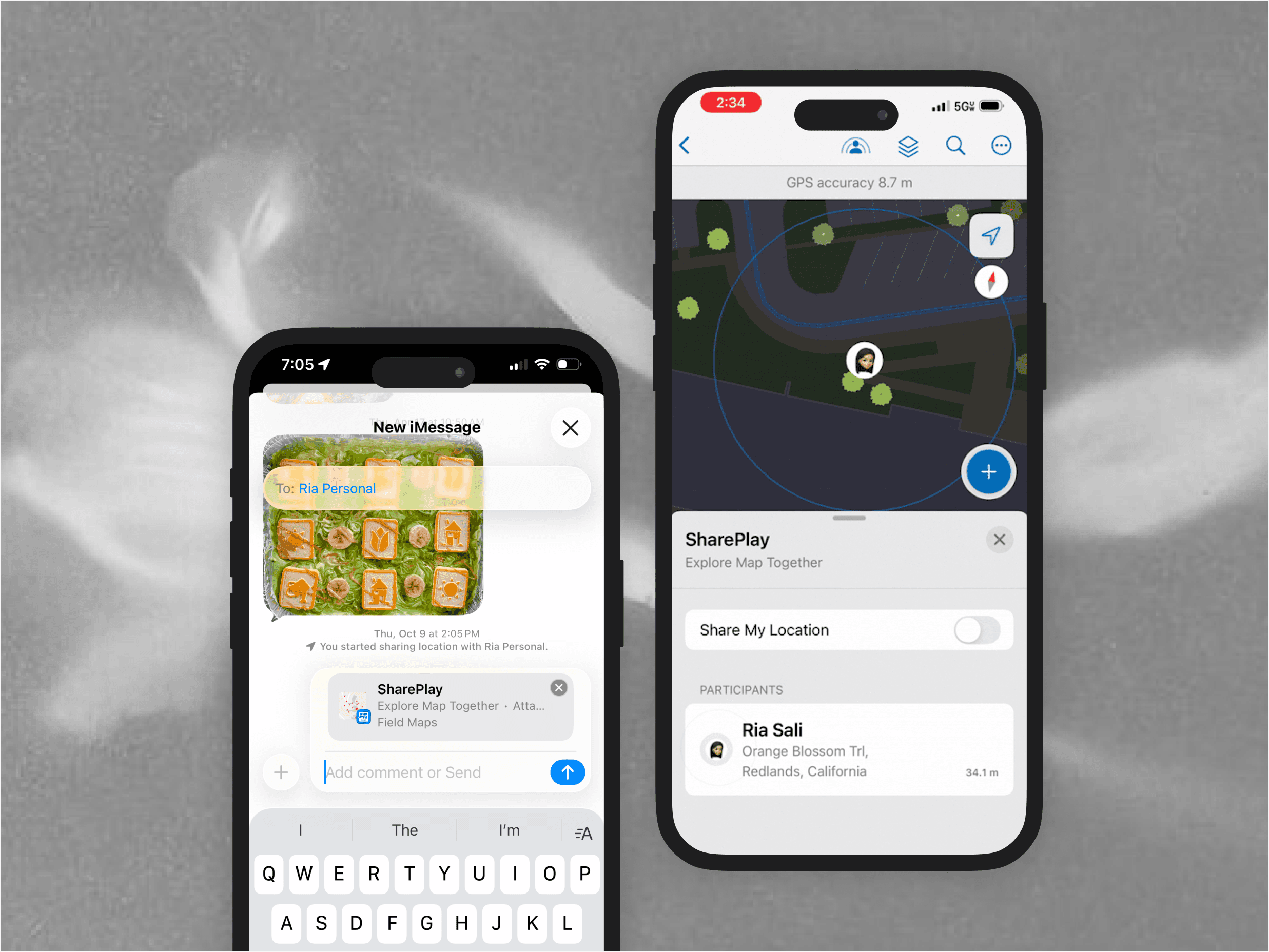
Advanced Field Awareness enables real-time spatial collaboration between field supervisors and workers by allowing participants to share their live map view and location during active sessions on Apple devices.
The feature supports dynamic task coordination helping supervisors assign work based on proximity, enabling inspectors to locate teammates during handoffs or emergencies, and allowing teams to discuss map context remotely while viewing the same spatial information.
This project was delivered as part of the broader Field Maps mobile rebuild and intentionally scoped to provide high-impact collaboration without adding significant overhead to the platform.
Target Users
Three primary user groups informed the design:

Field Workers

Field Supervisors
GIS Admins
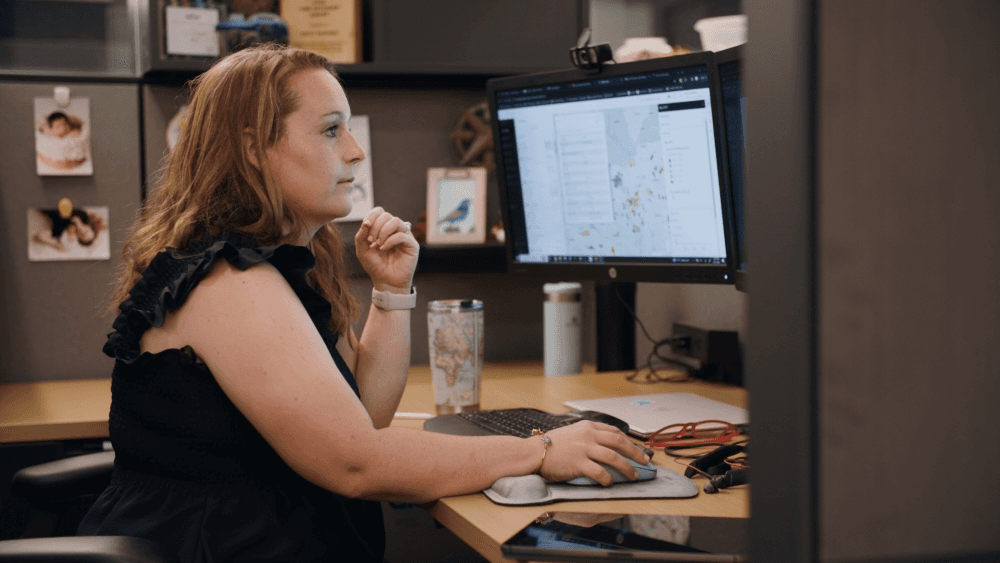
Field workers and supervisors are direct users of the mobile app, while GIS admins rely on other Esri desktop products to set up their workflow.
Discovery & Insights
Insights were gathered through Product Manager–led customer calls, enterprise partner conversations, internal discussions with teams supporting field operations and on-site diary observations.
We analyzed workflows across:
Task coordination
Communication patterns
Map sharing behaviors
User trust concerns
Configuration complexity
This was to align closer with one of our design goals of making a GIS-heavy product more approachable and usable for field teams with varying levels of technical knowledge.
Problem
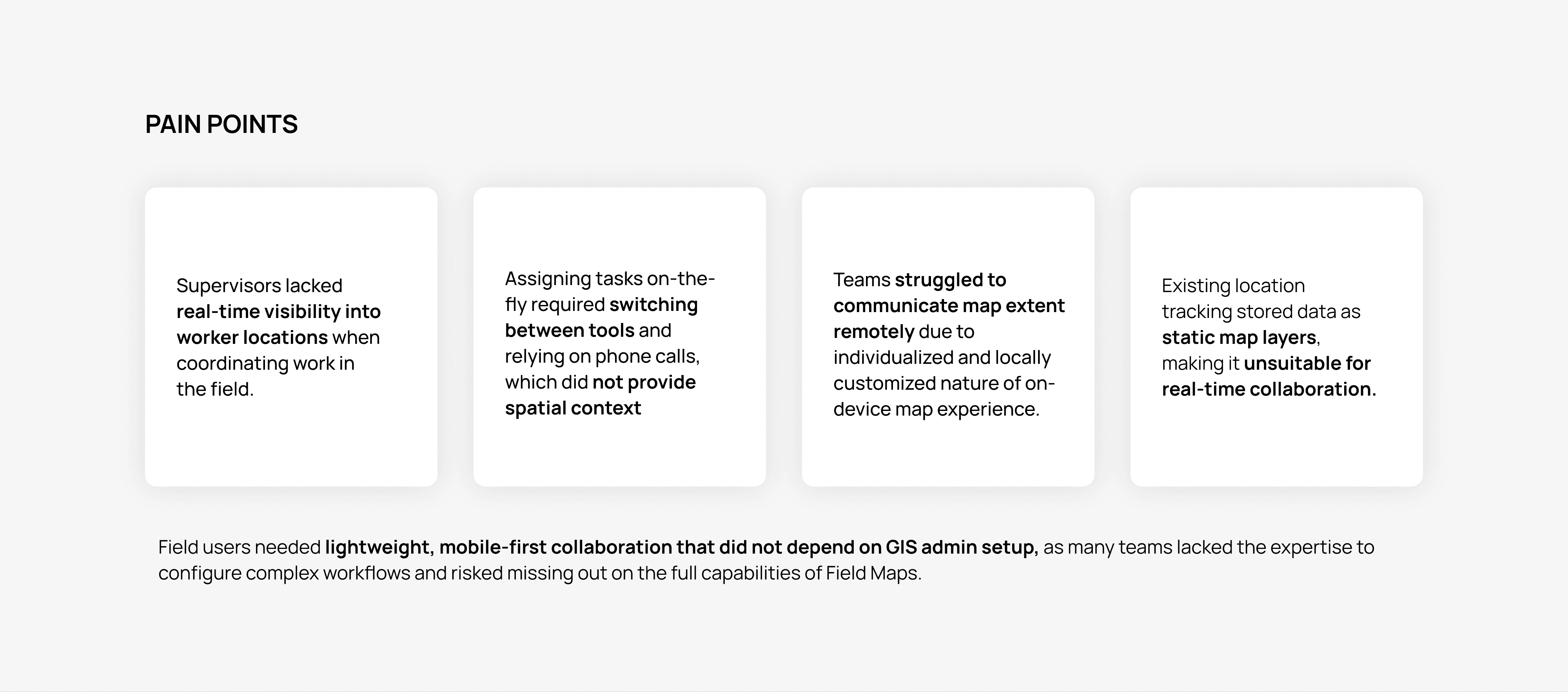
With these themes in mind, we were able to centralize on an objective. Rather than treating visibility and coordination as isolated feature gaps, we reframed them as symptoms of missing collaboration infrastructure.
Mobile users needed greater spatial awareness of their peers in the field when collaborating across distances, and to be able to communicate their findings with more context. We had to be able to support these requirements in-app as they arose spontaneously, without the rigidity of prior setup or planned, continual monitoring that could surface privacy concerns.
Design Strategy
The system-level problem we set out to solve was enabling real-time coordination and shared spatial awareness between field supervisors and workers, without relying on GIS admin setup or introducing heavy technical overhead during the broader app rebuild.
At a strategic level we focused on:
Shared Spatial Awareness
Design focus: Help users quickly build a shared mental model of what’s happening in the field.
Establishing clear context around which map was being shared
Defining how participant locations and map state were represented
Supporting real-time coordination of roles and tasks in the field
In-Context Collaboration
Design focus: Support collaboration without pulling users away from their primary task.
Enabling participation through a live “session”
Keeping the core experience within Field Maps
Allowing users to share map extent, locations, and asset context without switching tools
Real-Time vs. Persistent Data and Workflow
Design focus: Let users collaborate in the moment without worrying about long-term consequences.
Designing collaboration temporary, session-based state
Using an explicit opt-in model to give users control over participation
Presence & User Control
Design focus: Make user intent visible and give people control over what they share.
Make participation and intent visible to others
Providing clear affordances when sharing was active
Allowing users to choose whether or not to share their location
Establishing these requirements allowed us to focus on how to deliver them simply and reliably. Rather than building a custom real-time collaboration system from scratch, we leveraged Apple’s SharePlay technology. This approach aligned well with the native rebuild and provided direct access to device capabilities without significantly increasing development overhead.
Key Tradeoffs
Leveraging SharePlay enabled:
Faster delivery within rebuild timelines
Familiar, platform-native collaboration patterns
Low-to-no configuration for end users
An integrated experience that reduced the need to switch between apps
Developer research uncovered that building with Apple’s SharePlay technology would be best suited to the objectives we established. Given that there was no Android equivalent of this, the solution was constrained to be specific to iOS and iPadOS allowing us to optimize fully for the platform rather than dilute the experience.
Design Process
To ensure the collaboration experience felt intuitive and non-disruptive for field users, I grounded early design decisions in native patterns, technical constraints, and real-world collaboration behaviors.
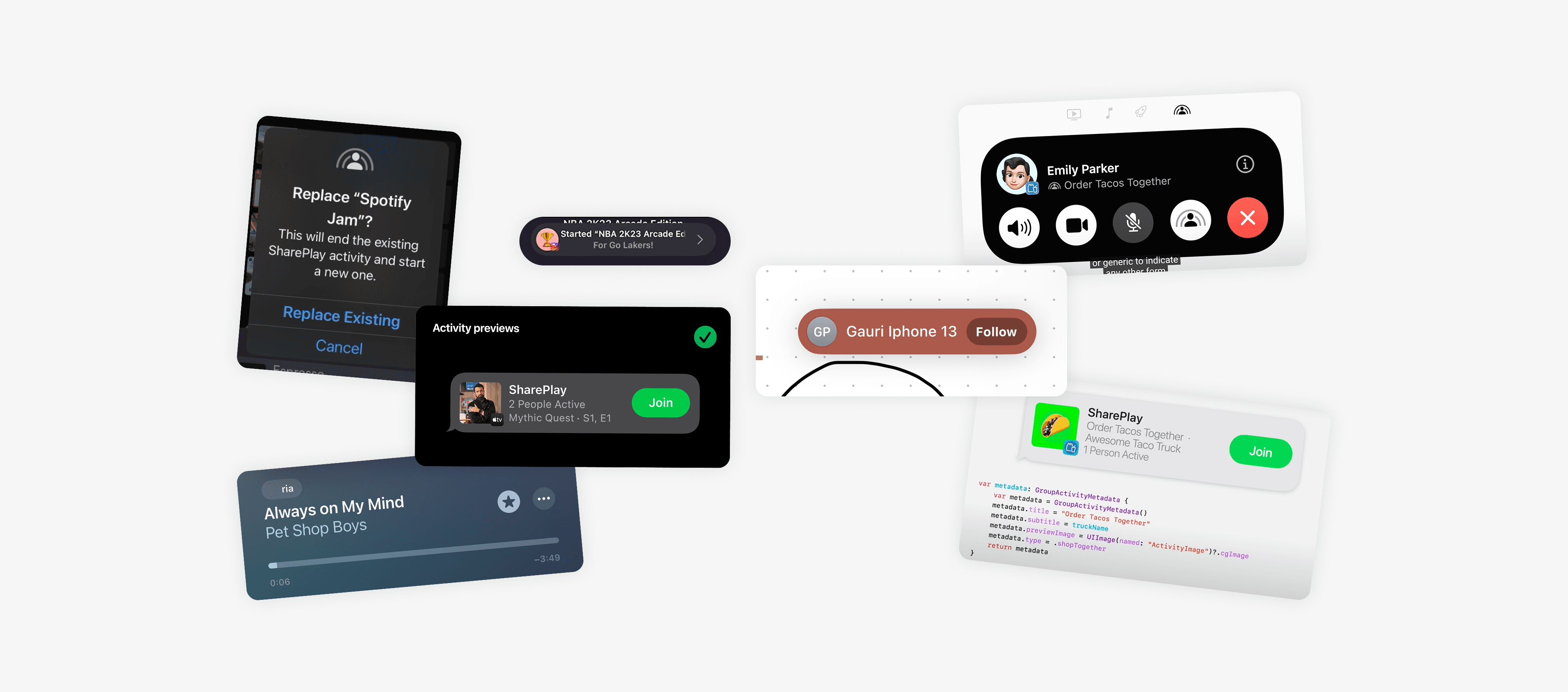
I reviewed multiple sources to understand how real-time collaboration could be introduced without increasing cognitive load or disrupting field workflows:
Apple’s Human Interface Guidelines To continually inform interaction patterns and evaluate customization would negatively impact usability without increasing cognitive load
Apple’s WWDC Demos on SharePlay Reviewed to understand how design decisions needed to align with technical constraints
First-party iOS Apps and Internal Patterns Analyzed to identify familiar system components and interaction patterns that users already trust, ensuring the experience felt native.
Existing Collaboration Apps
To understand how users interpret presence, participation, and coordination signals across products.
This research set a good foundation for the extent of functionality we decided to provide, and shaped early ideation.
Assumptions and Constraints
I discovered that SharePlay, as a technology, is well suited to facilitating specific collaborative activities that users can participate in together without taking away agency over their individual experiences.
A key area of uncertainty was the level of customization possible on individual devices within Field Maps. Users can adjust map layers, change basemaps, and experience varying GPS accuracy depending on their device and environment, which made full state synchronization both complex and potentially confusing.
To constrain the scope of design and development for the first release—and align with best practices we focused on optimizing for a basic level of context. This approach assumed that other views and states could be quickly aligned through conversation during an active session, since participants would already be on a call together.
This decision further supported Apple’s principle that not every participant engages equally, allowing collaboration to remain flexible, lightweight, and respectful of individual user control.
Ideation Flow
Early ideation focused on the in-app map experience during an active collaborative session, with attention on how users would understand participation and shared context at a glance.
Initial exploration centered on:
Communicating which users were participating in a session
Defining which actions were available to participants and how they were surfaced
Conveying users’ sharing states and user intent
Determining which UI elements belong directly on the map vs. in another control
Based on discussion and feedback from the lead designer and developer, we decided to move away from additional floating elements on the map to avoid overwhelming the user and obstructing the map.
We also defined a hierarchy of actions to present to users to align with their most-reported gaps. This naturally informed further iteration and detail about the overall workflow.
Once there was agreement on this, I moved to thinking about the experience holistically, and establishing entry point(s),
Field Maps-relevant system customization required for a SharePlay session, different states of session initiation, termination, or change between users, and the overall visual to reuse existing app components for consistency.

Key SharePlay Capabilities in Field Maps
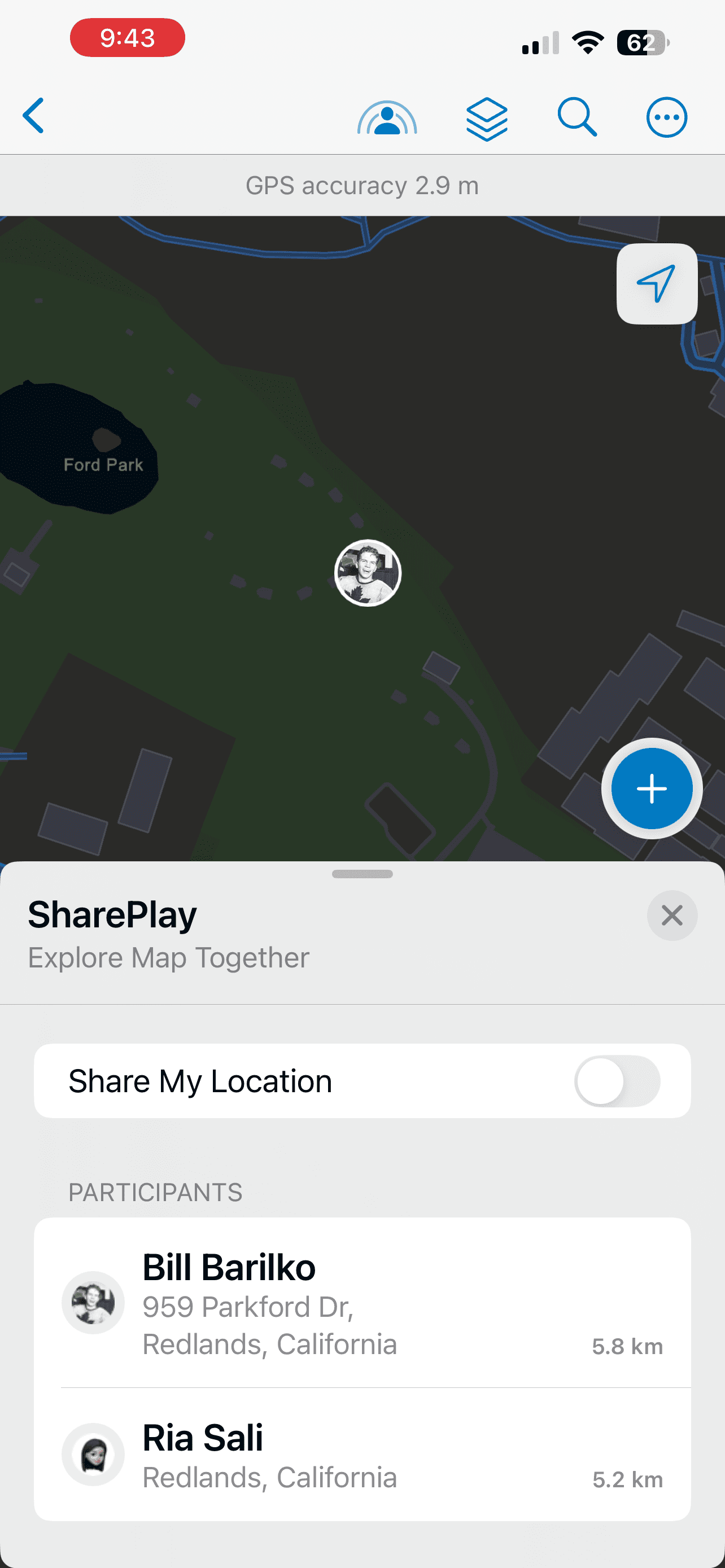
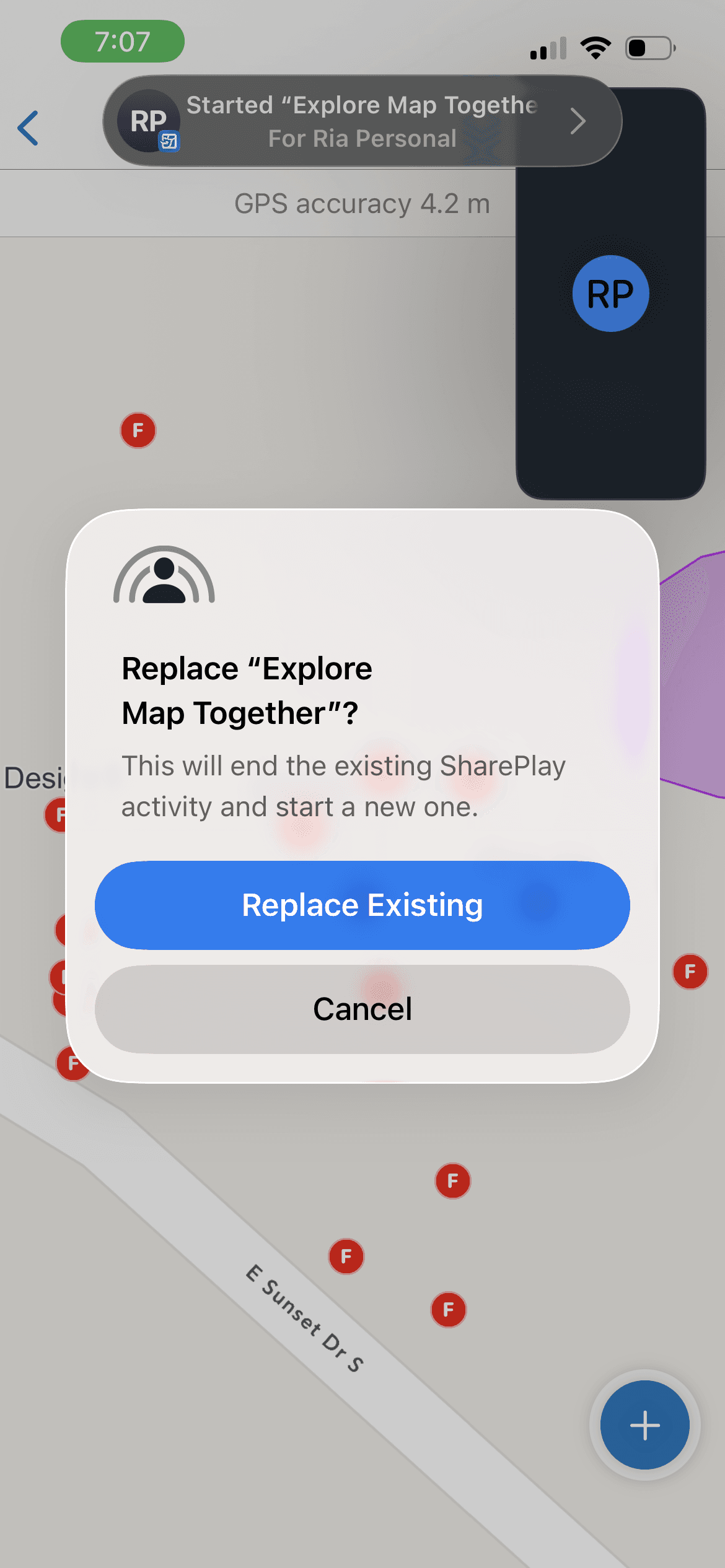
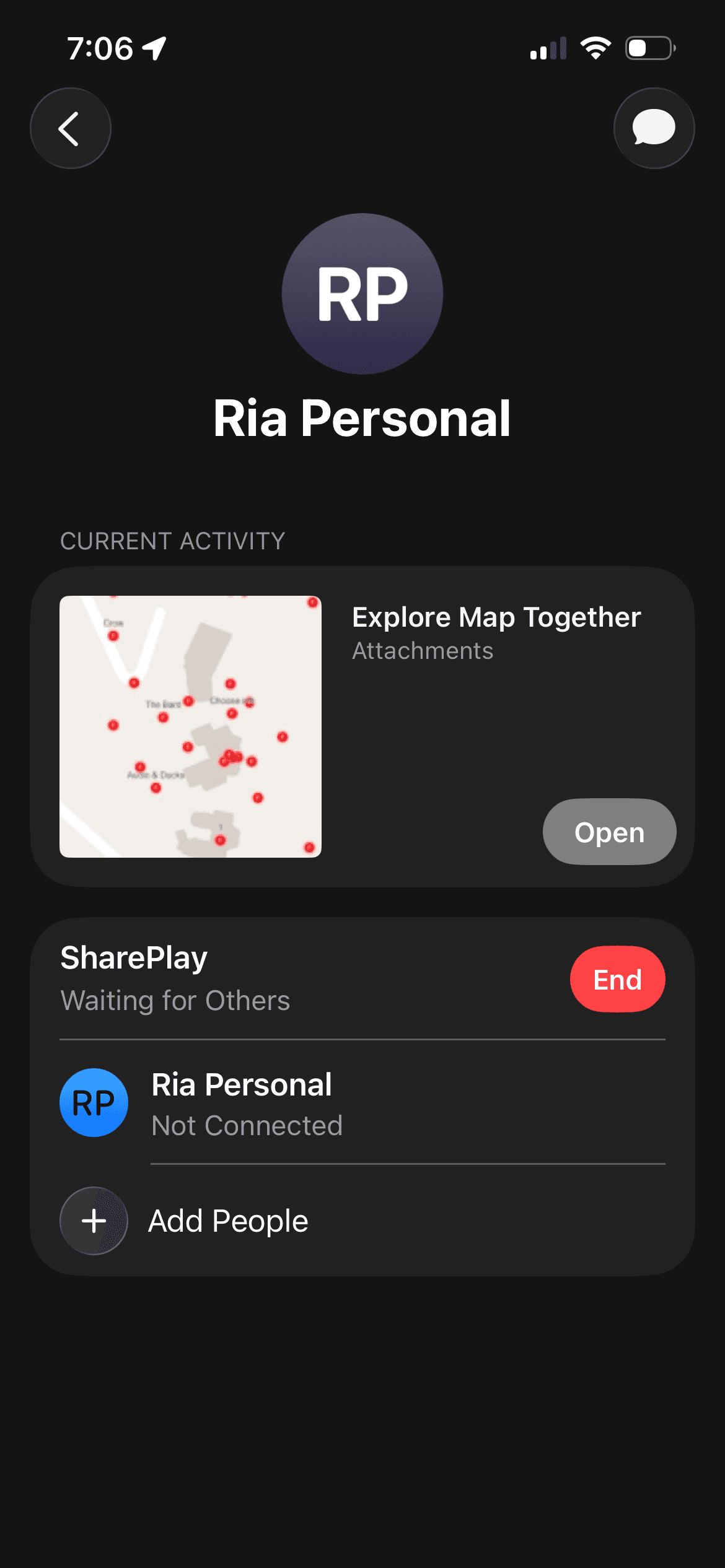
Activity Name -> "Explore Map Together"
Live Location Awareness
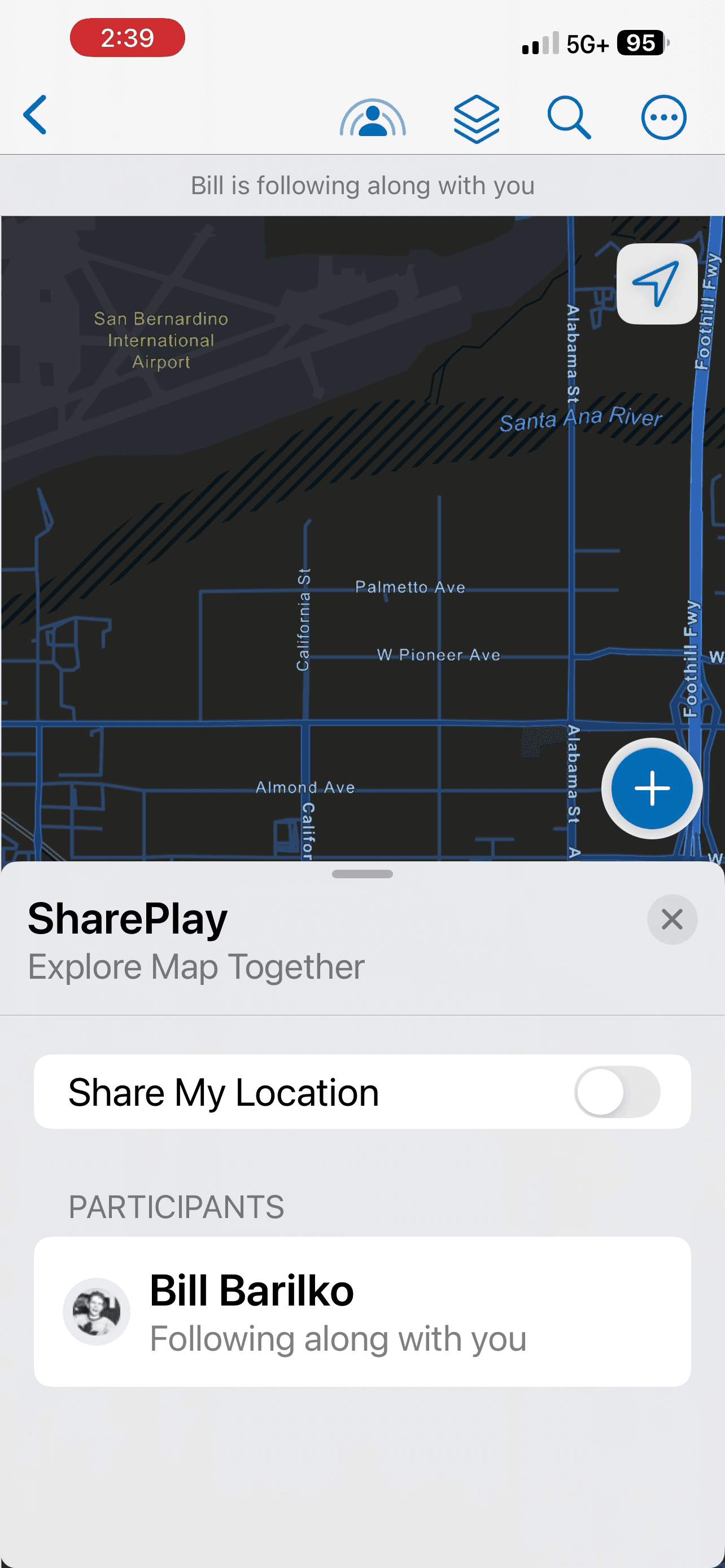
Participants in a call can pan to, view the address of, and visualize the location of their peers directly on their configured maps. This synchronizes spatial context and allows teams to collaborate remotely within the same environment.
This capability preserves user agency through an explicit opt-in model for location sharing at session start. Participants can toggle location sharing on or off as needed, and shared information does not persist beyond the active session.
For supervisors, this provides immediate visibility into which workers are near specific assets or areas—supporting spontaneous task assignment and prioritization when high-priority work arises.

“Follow Along” with a Shared Map Extent
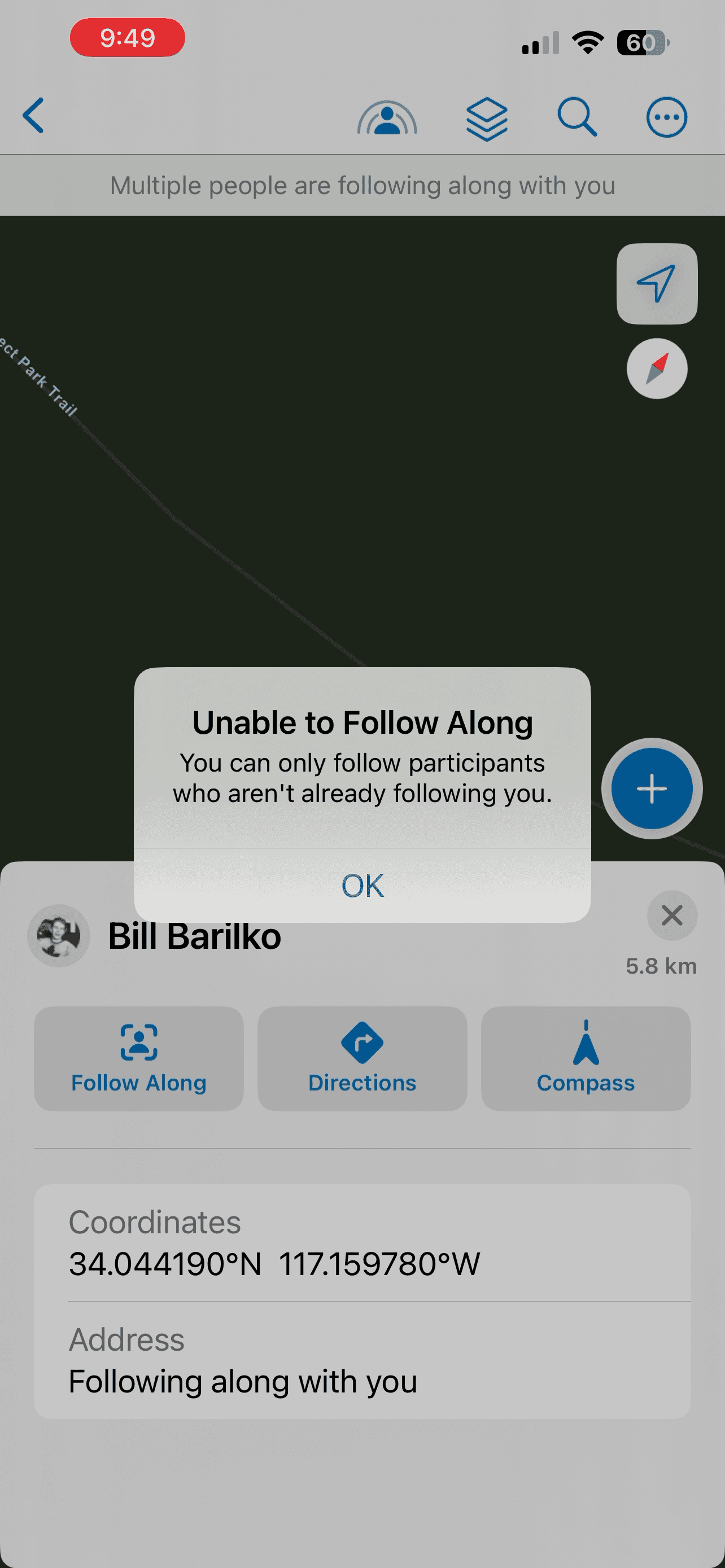
In line with the opt-in collaboration model, users can choose to follow another participant’s map extent. This avoids enforcing rigid roles or hierarchies where a single user controls the session by default by requiring an action.
Persistent collaboration indicators clearly communicate whose extent is being followed and who is viewing it, ensuring transparency for all participants.
This capability helps field workers and supervisors communicate areas of work, points of concern, or friction directly through shared map context when planning or reporting.


Navigation to a User's Location
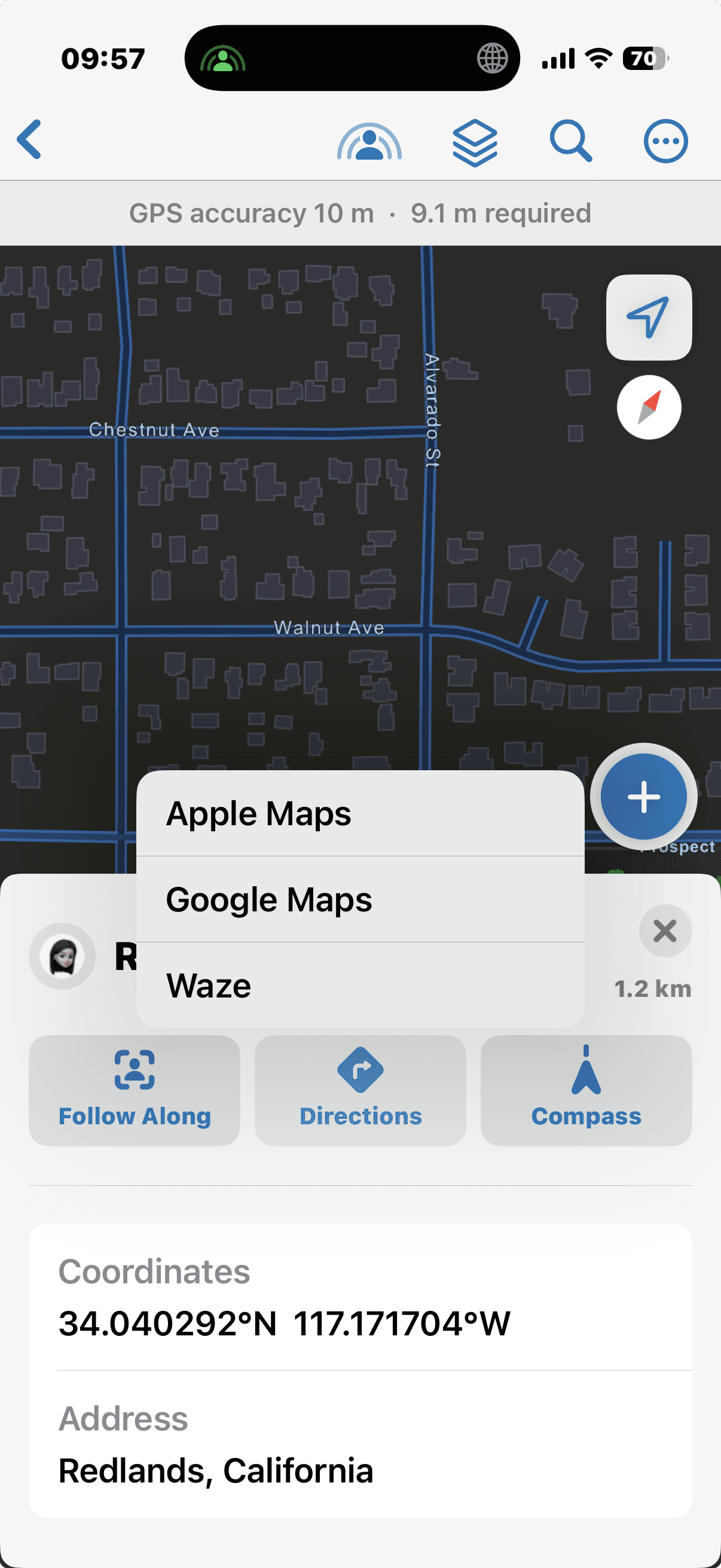
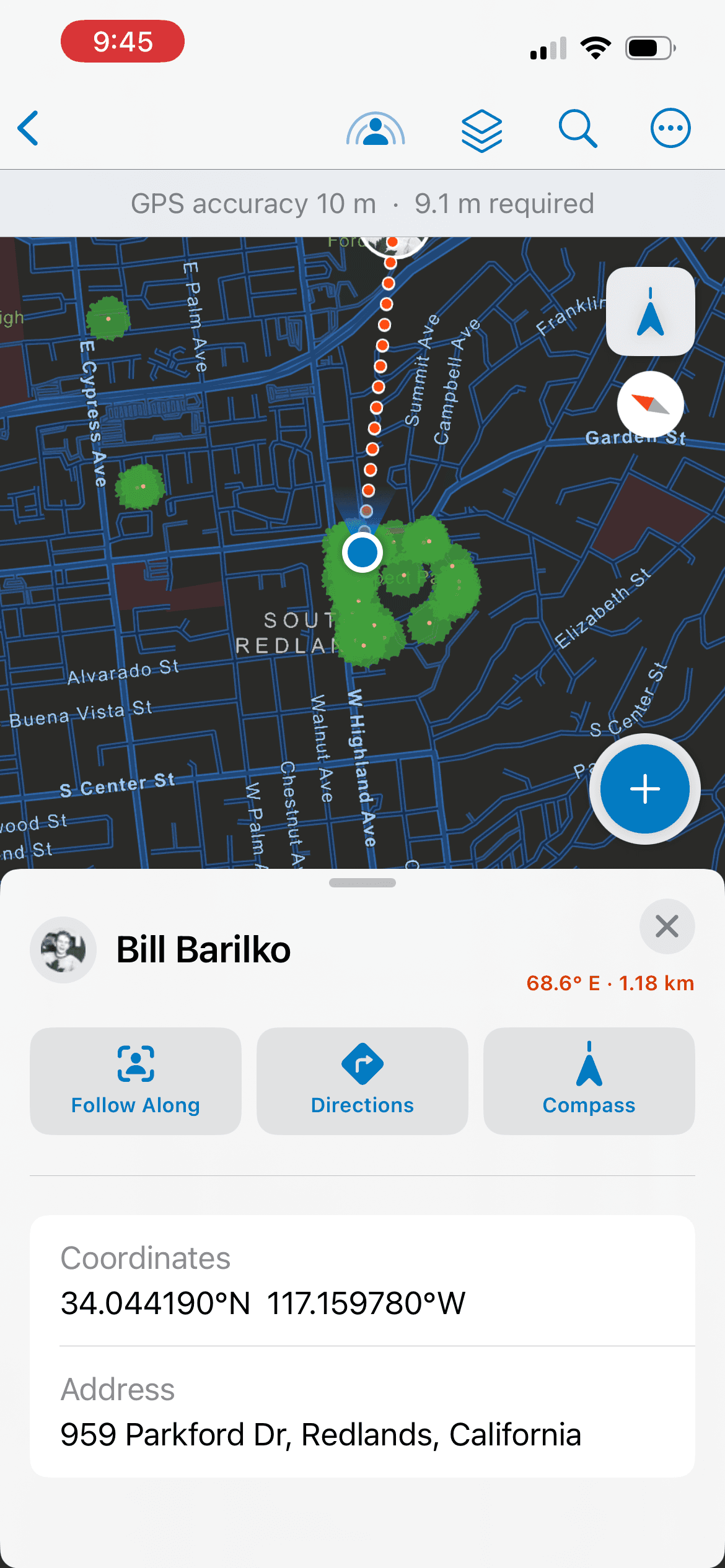
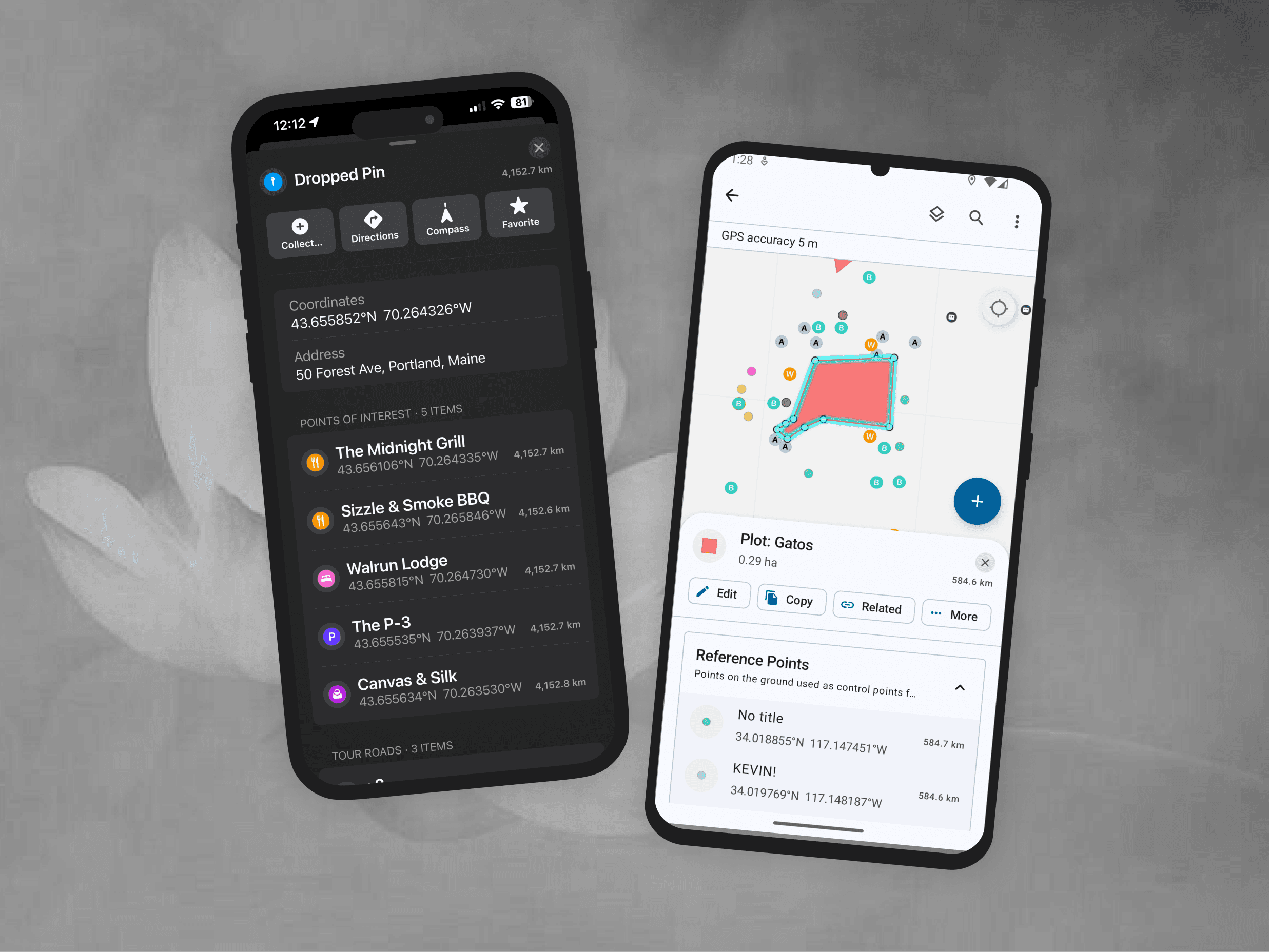
Existing navigation and compass tools within Field Maps are extended to support collaboration scenarios. Participants can enable turn-by-turn directions via a third-party app or use compass mode to navigate toward another user’s location.
This is particularly useful during emergencies, troubleshooting scenarios, or physical handoffs between team members in the field.
Spontaneous Collaboration
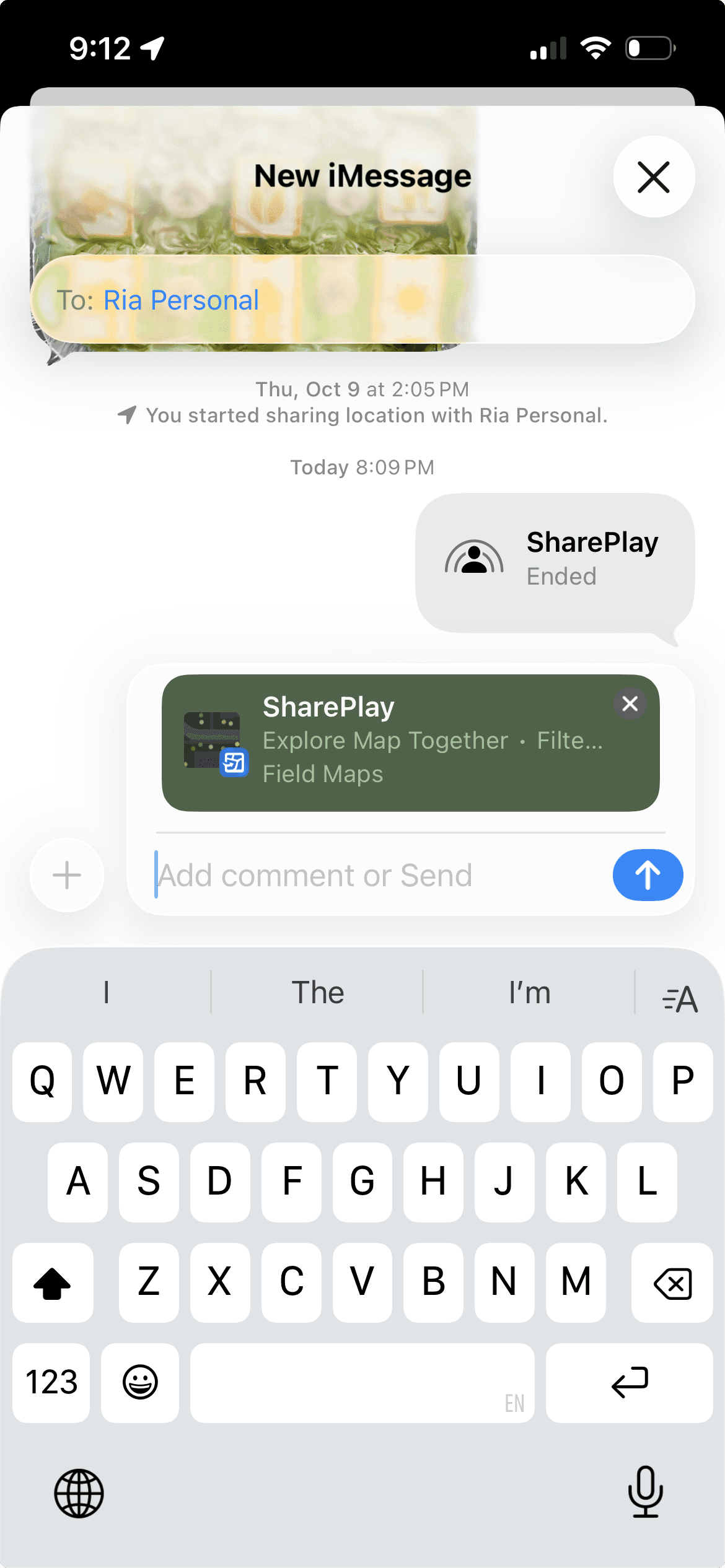
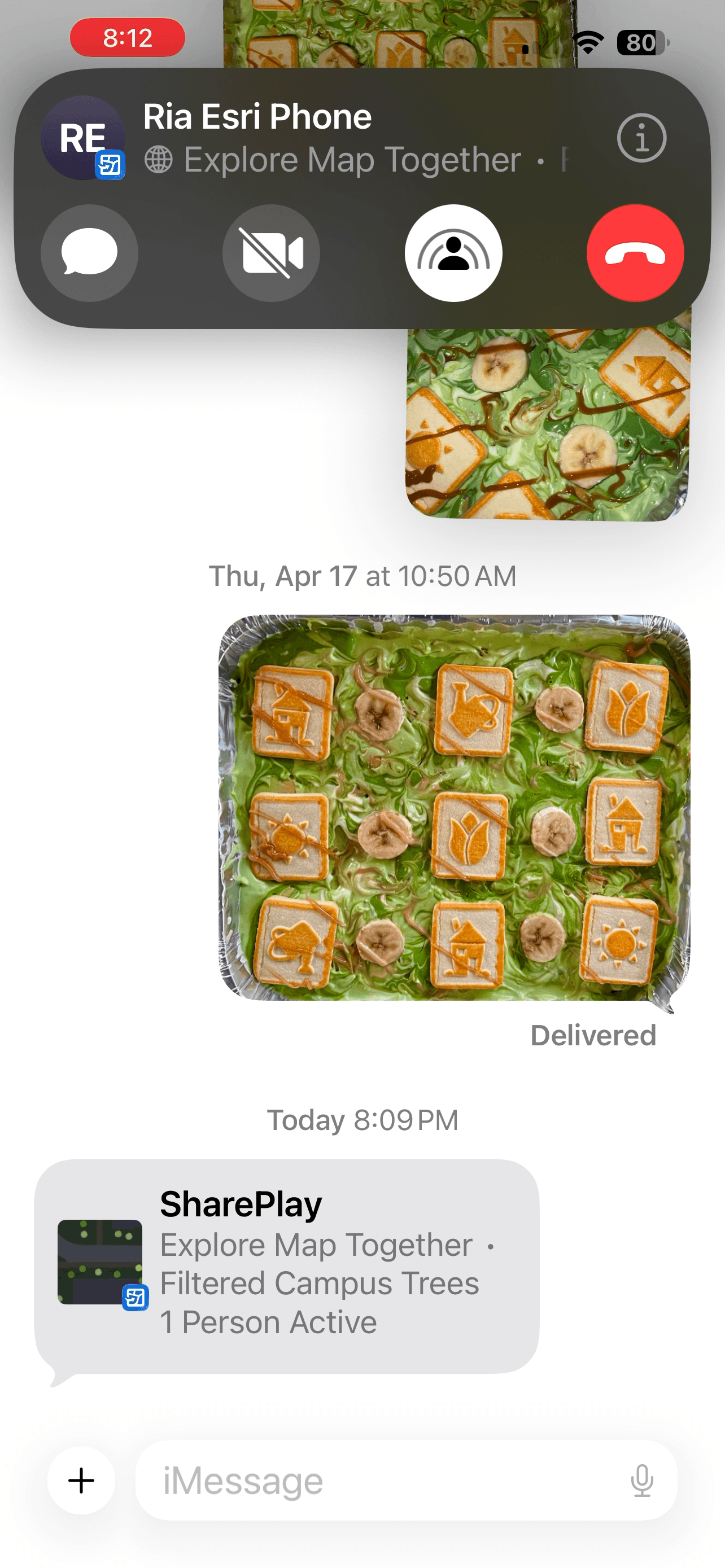
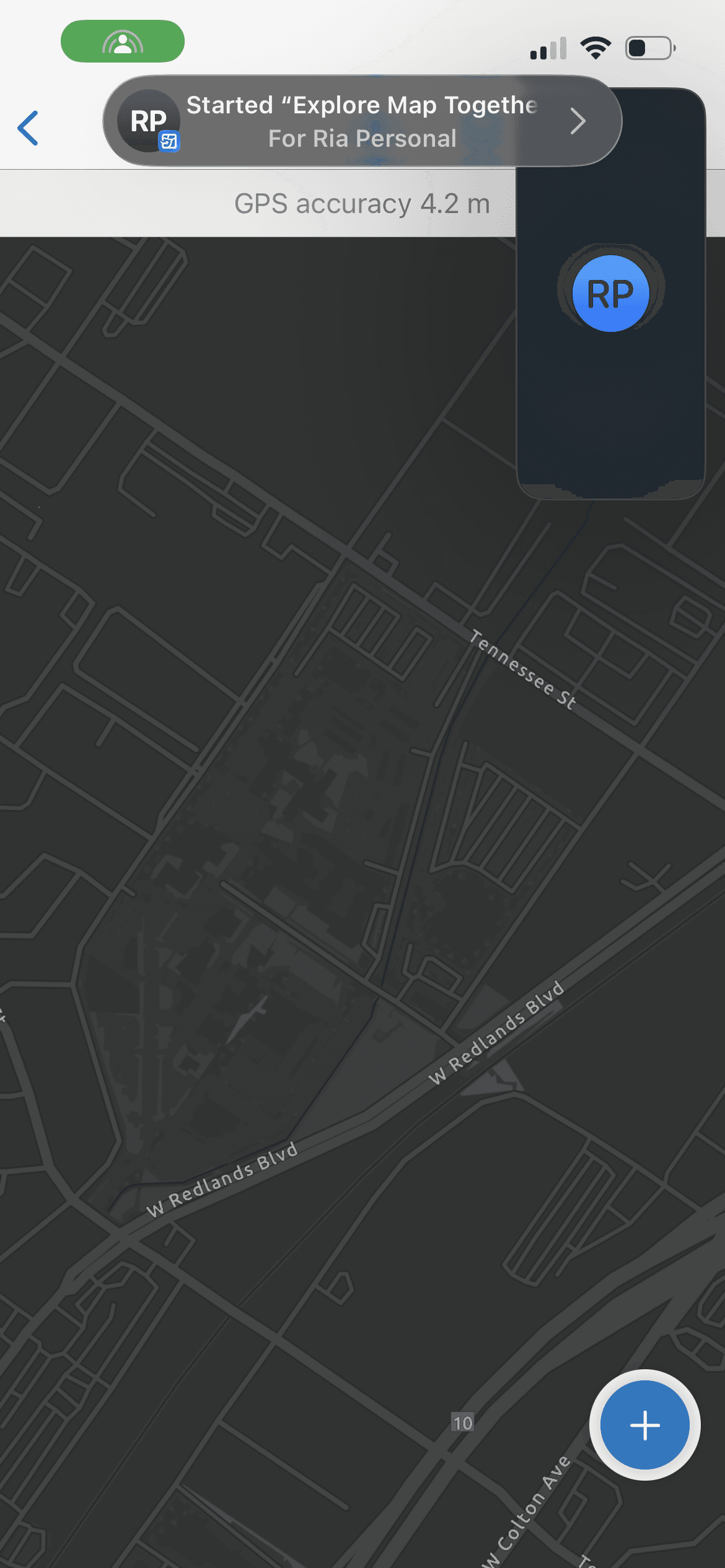
Field coordination is often planned, but frequently happens in response to live events. SharePlay supports this by enabling quick communication without requiring prior setup. Since teams often use designated work devices, sharing contact information is also straightforward. All of these capabilities remain lightweight and contextual, while keeping the primary focus of the experience on what Field Maps does best—mapping and complex spatial data collection.
Outcome
Shifts Field Maps more into a knowledge-agnostic operational environment supporting user with varying levels of GIS expertise.
Reduces miscommunication and sensitivity to surveillance through explicit opt-in sharing and temporary session state
Prevents tool-switching by keeping coordination within the map experience
Reflection
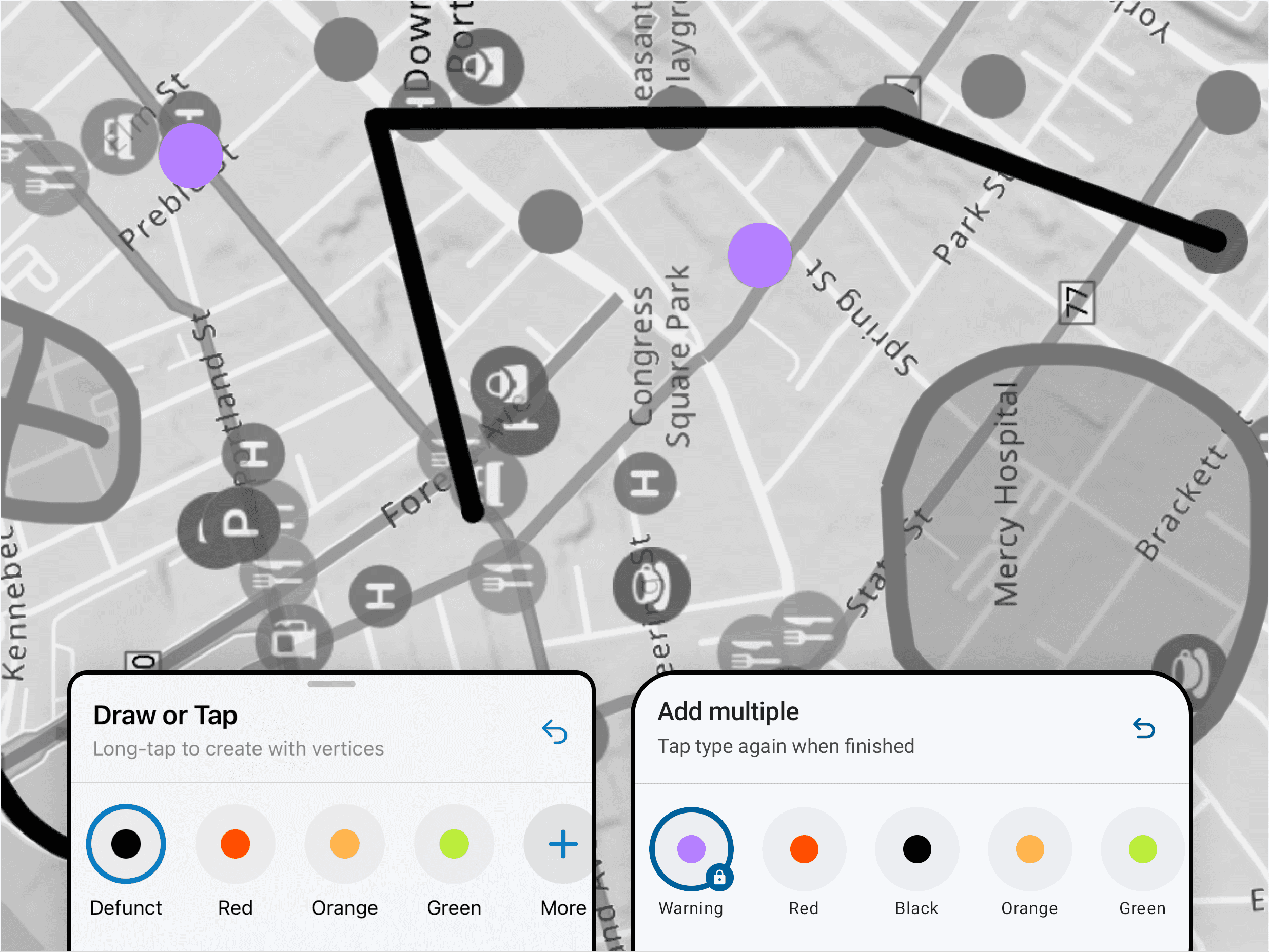
This was a really fun and interesting project because it let me explore and work with tailoring an existing system capability for our specialized use case. I tested out a lot of currently available SharePlay activites with team members and it reminded me of the delight that engaging in a shared space for a novel experience brings. It was a smooth process because we knew what capability we wanted to deliver, and revisiting workflows within the map view to scope the extent of functionality was a great exercise in restraint and prioritization. It was also a great knowledge-sharing activity because I got to share my findings and outlined design workflow with QA engineers on the team to facilitate their testing of the feature.
Go Back