


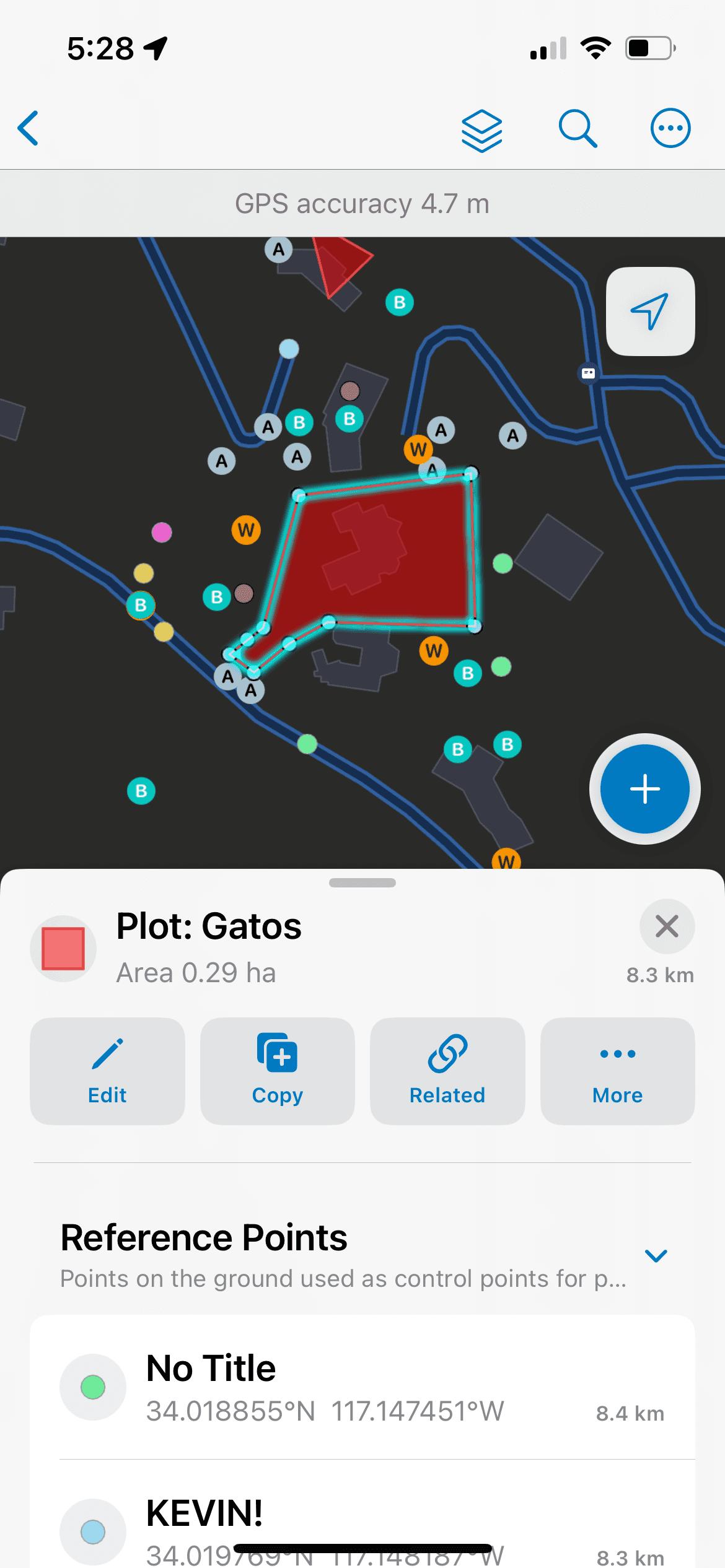
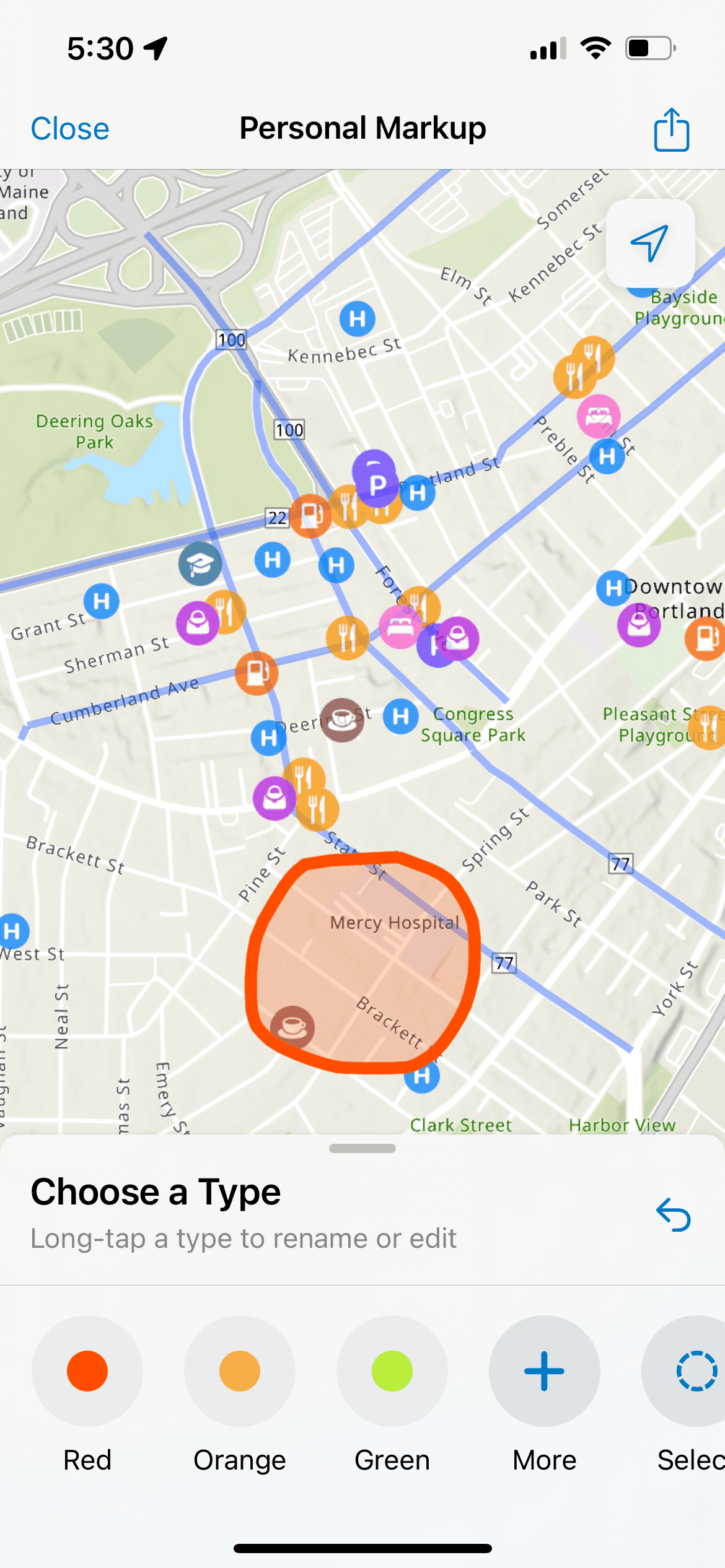
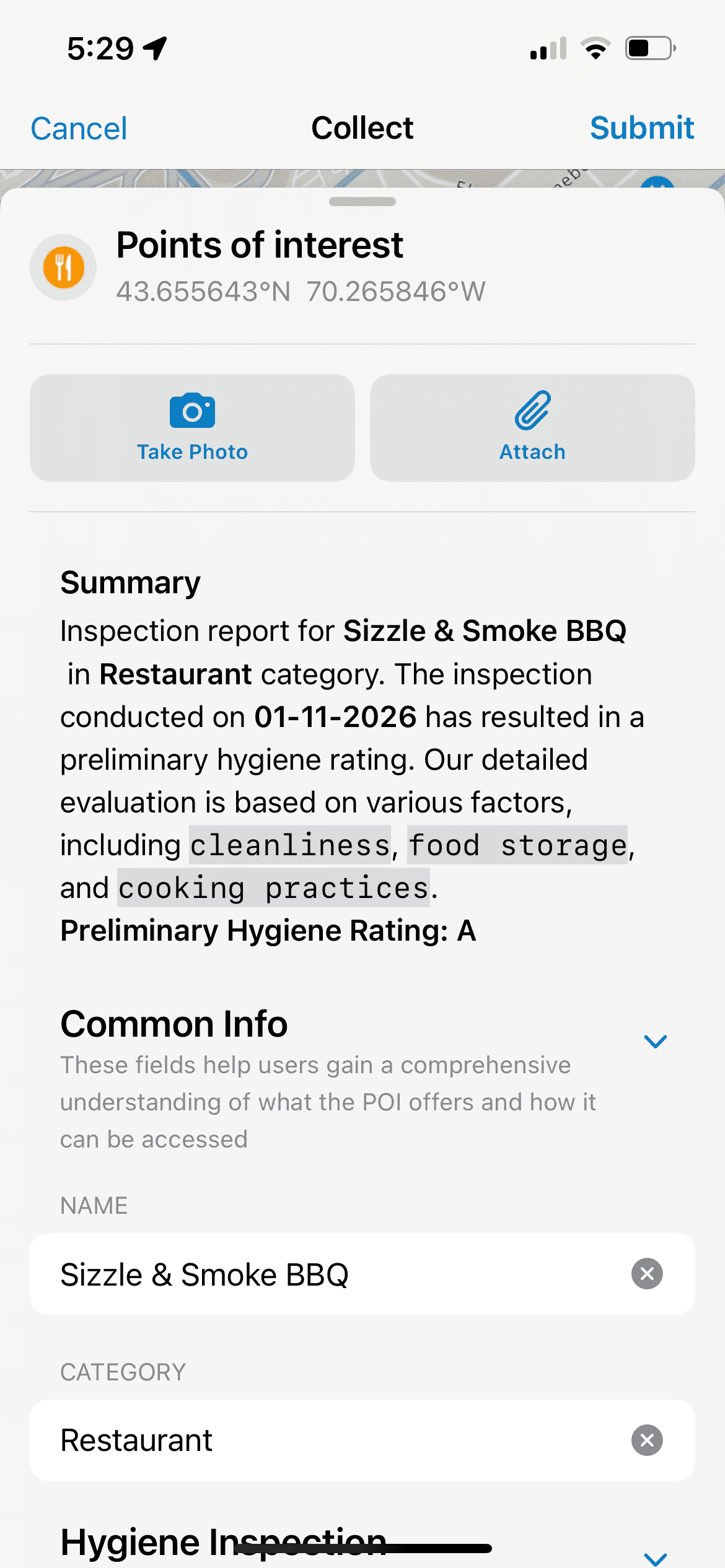
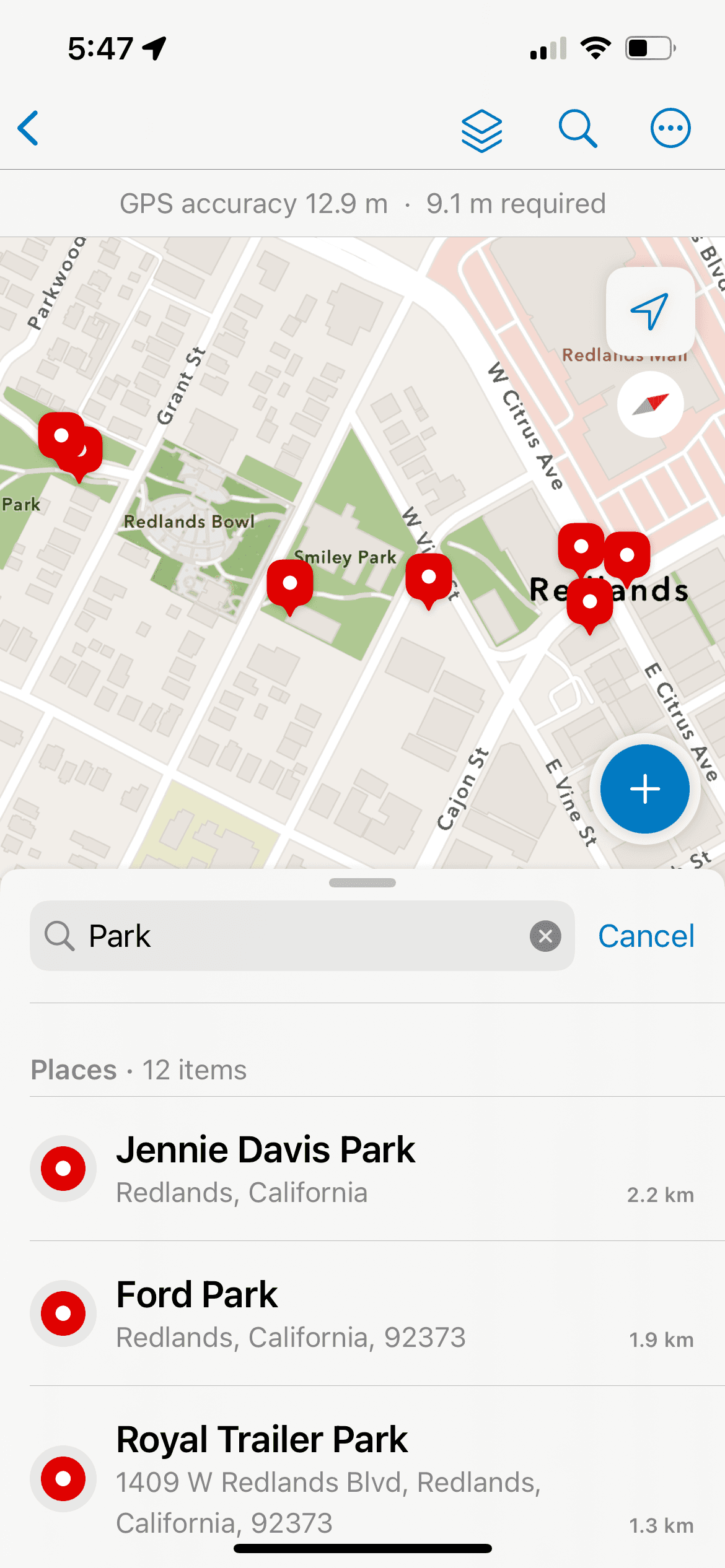

KEY CAPABILITIES OF FIELD MAPS
Offline Web Maps + Parcel Data Edit/Sync
Data Collection via Smart Forms and Calculated Expressions
Marking of Assets (hydrants, utility networks, houses, construction poles, etc.) as Spatial Features on a Map
Location Tracking and Geofences
Displaying Related Assets and Records
and many more.
SO, WHY NATIVE?
Syncing
Background Processing

Continuity
Ongoing usage

Precise Location
Access to GPS + Sensor Data


THE REBUILD FOR DEVELOPMENT AND DESIGN

SwiftUI

Jetpack Compose

Apple’s HIG

The aim of this rebuild, from a team perspective, was to set the foundation for easier maintenance of the app moving forward. This meant:
Keeping the code structure as close as possible between platforms.
Using the same simplified naming convention for Modules, Instances, Views and ViewModels, etc. in both codebases–to improve communication and efficiency when addressing issues or implementing new features.
Follow Apple’s Human Interface Guidelines & Google’s Material Design 3 specs.
Maximize the use of built-in components in the UI frameworks to optimize performance and accessibility.
Adopt native, first-party app patterns.
Support non-GIS users that just need to complete the tasks they’re assigned.
“Going with the Grain” – and what it gives us.
Typography
Consistency
A11Y Text Scaling
SF Symbols
Material Icons/Symbols
Iconography
Dark Mode
A11Y Contrast
Semantic Colors
In-Built Interactions
Optimized Behavior
Performance
SYSTEM AND CUSTOM DESIGN LIBRARIES
Apple’s Sketch Library + Custom iOS Library + System and Custom Material Design 3 Library
We have four separate libraries for main components, with the iOS Custom and Android libraries being manually constructed to follow the native guidelines. I took the lead in transitioning our Android libraries from Material Design 2 to Material Design 3 Guidelines and specs. Some examples are:
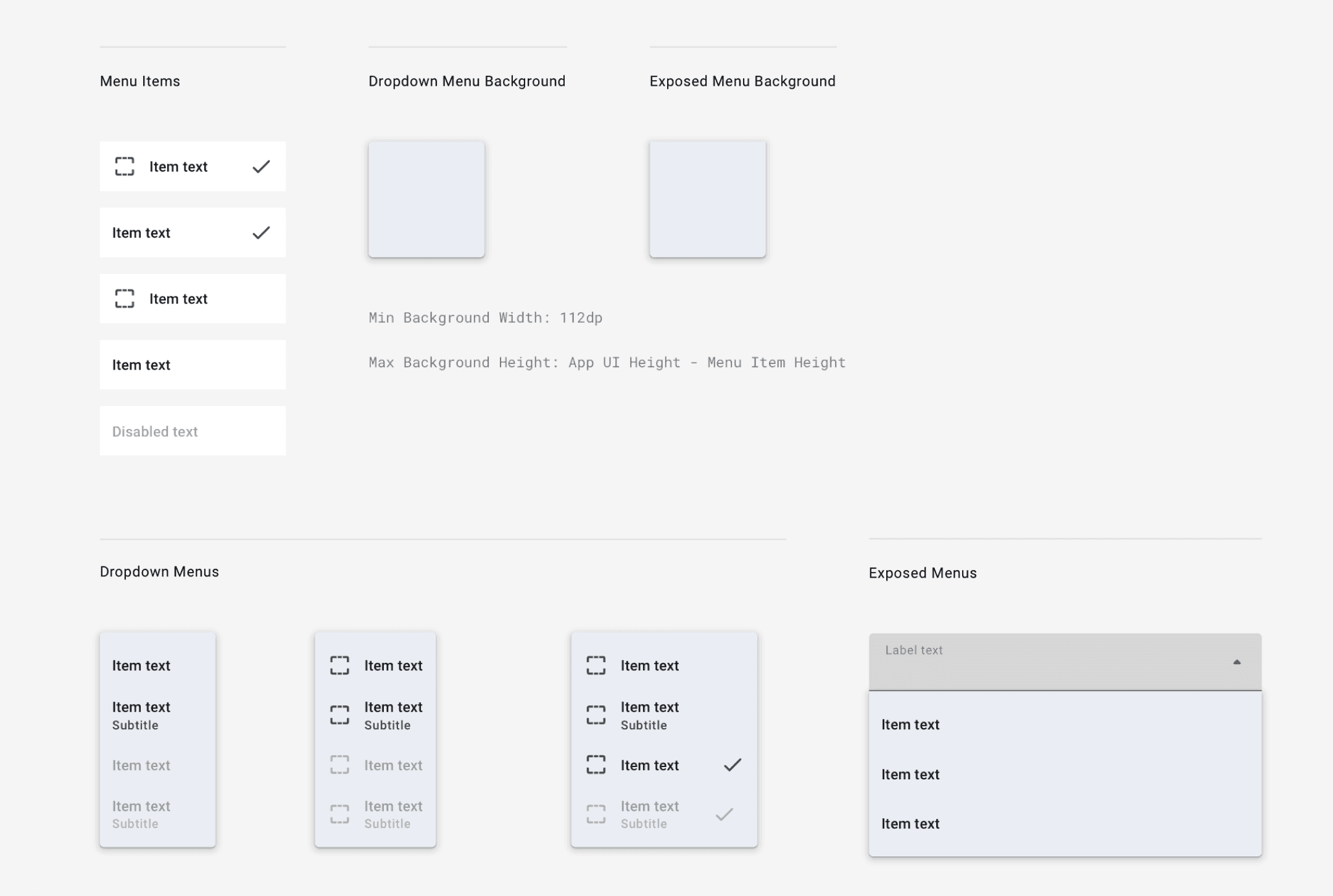
MD3 System Menus
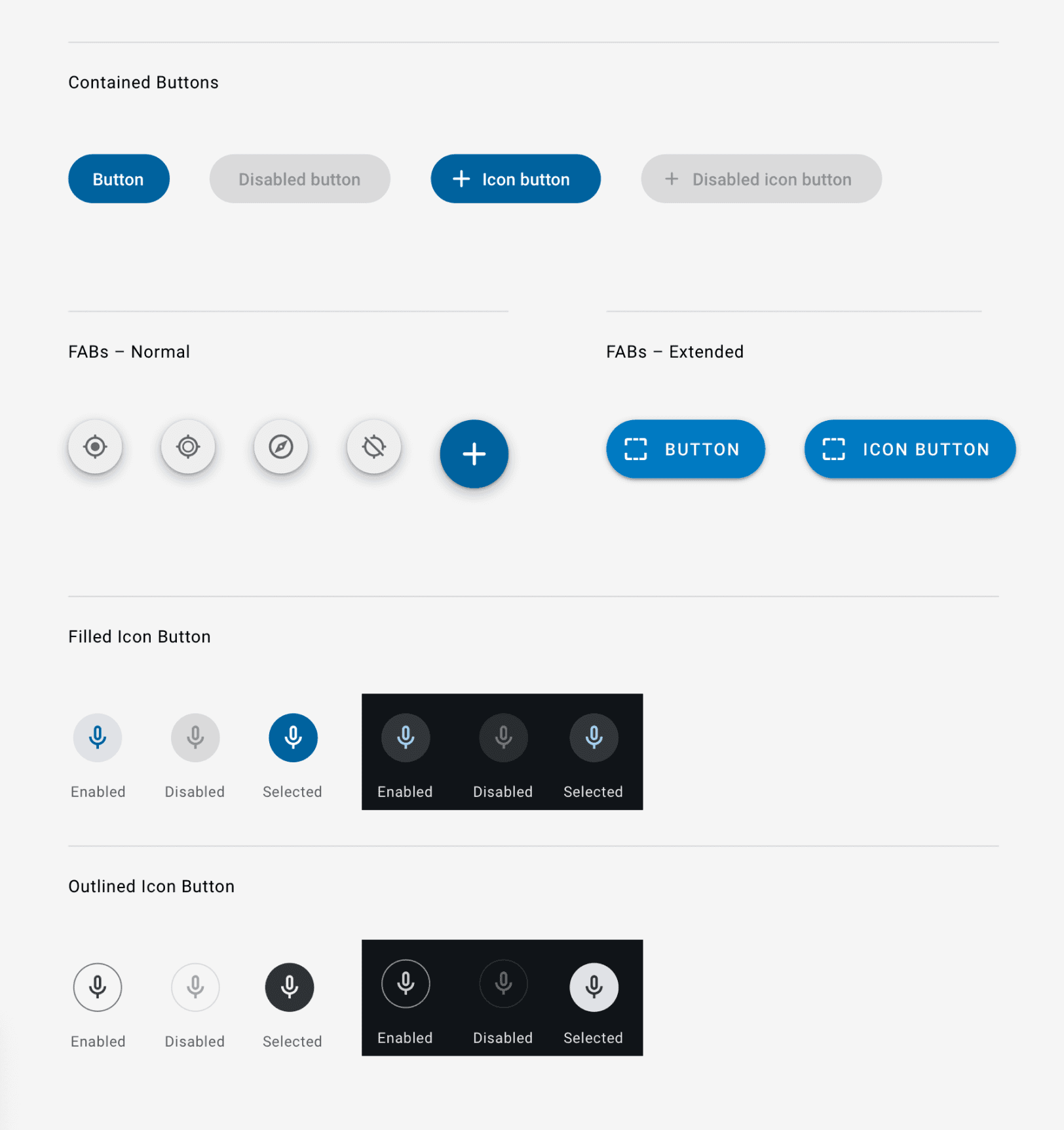
MD3 Buttons
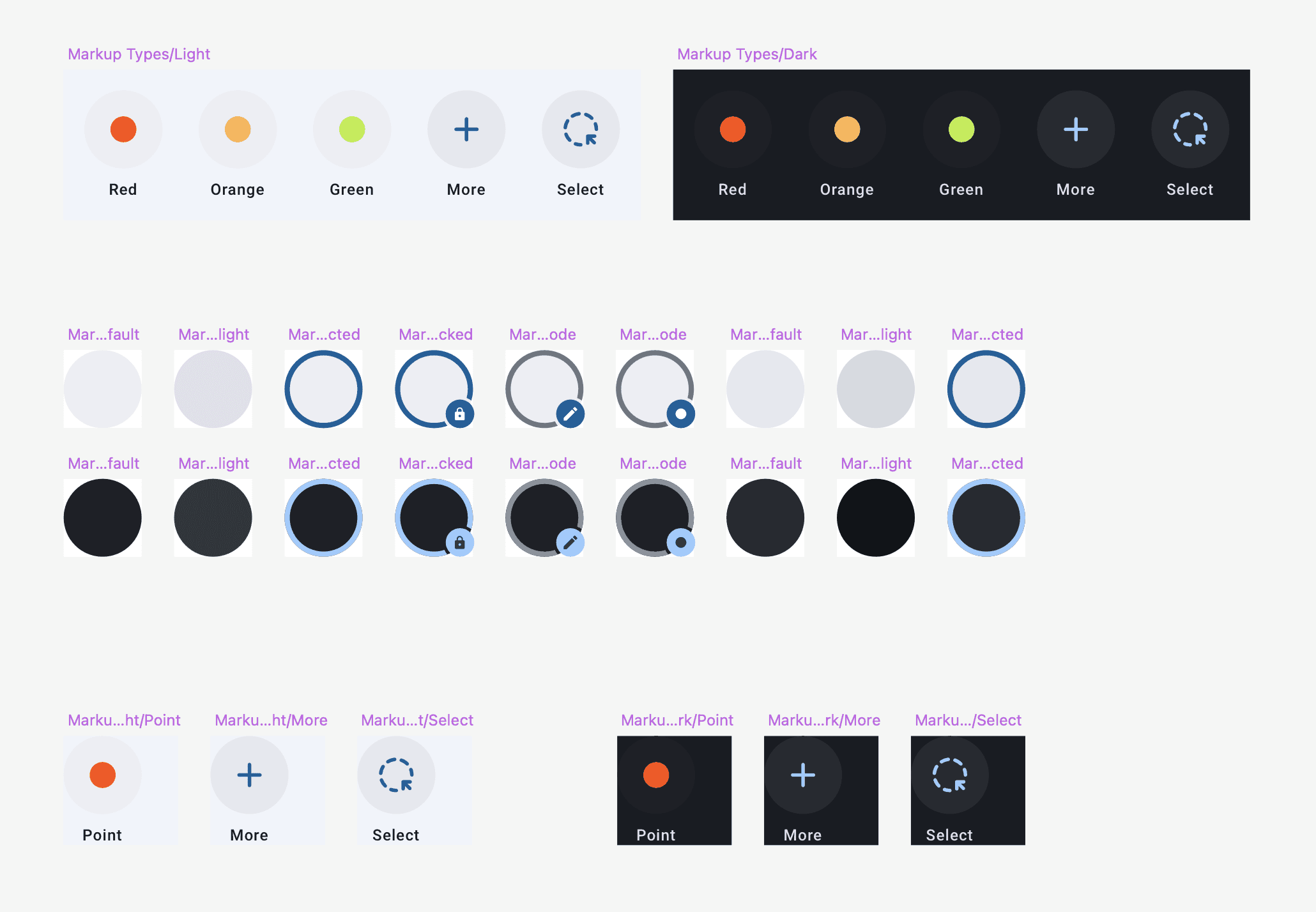
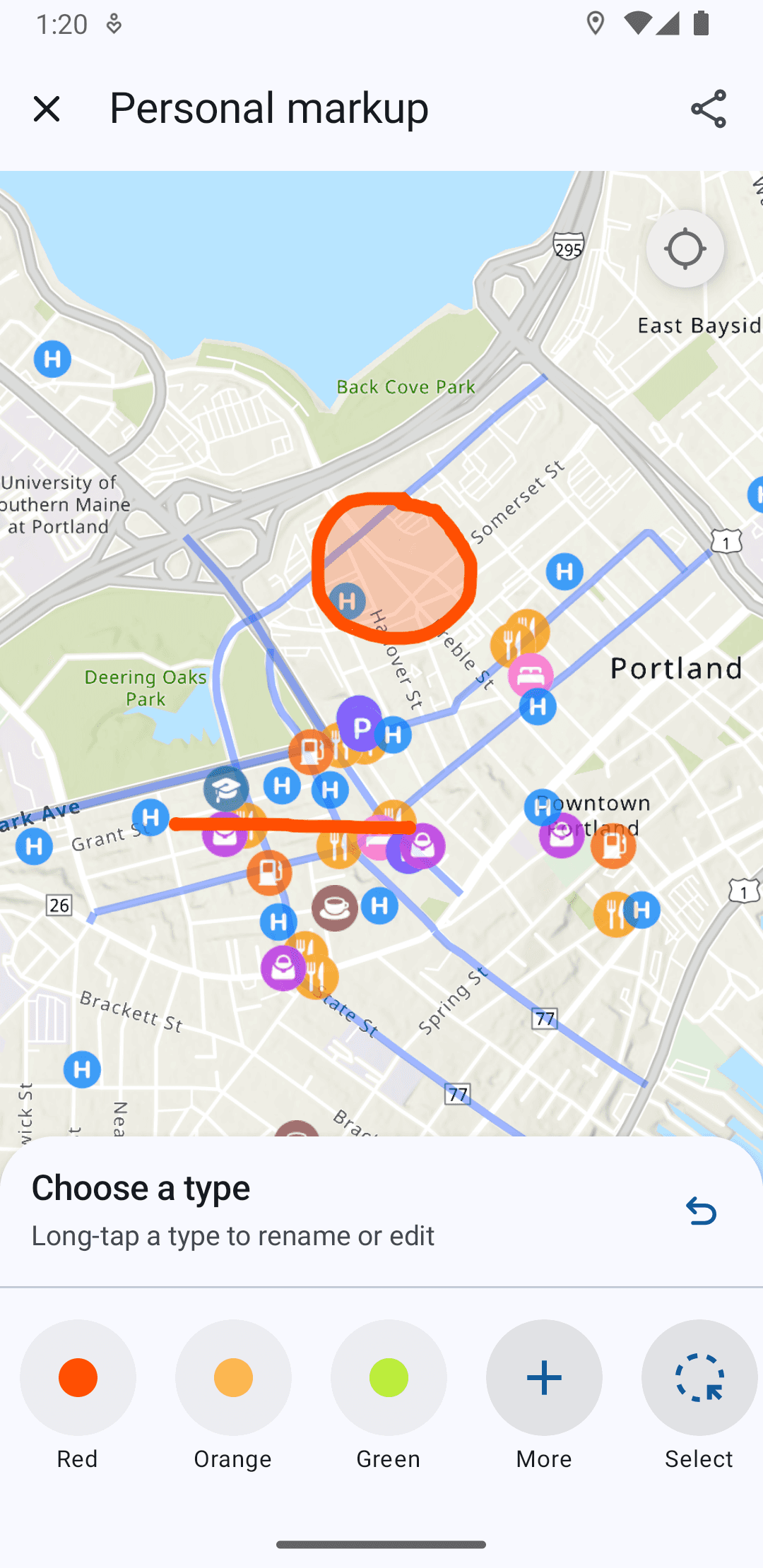
Custom Android Components for the Markup Feature
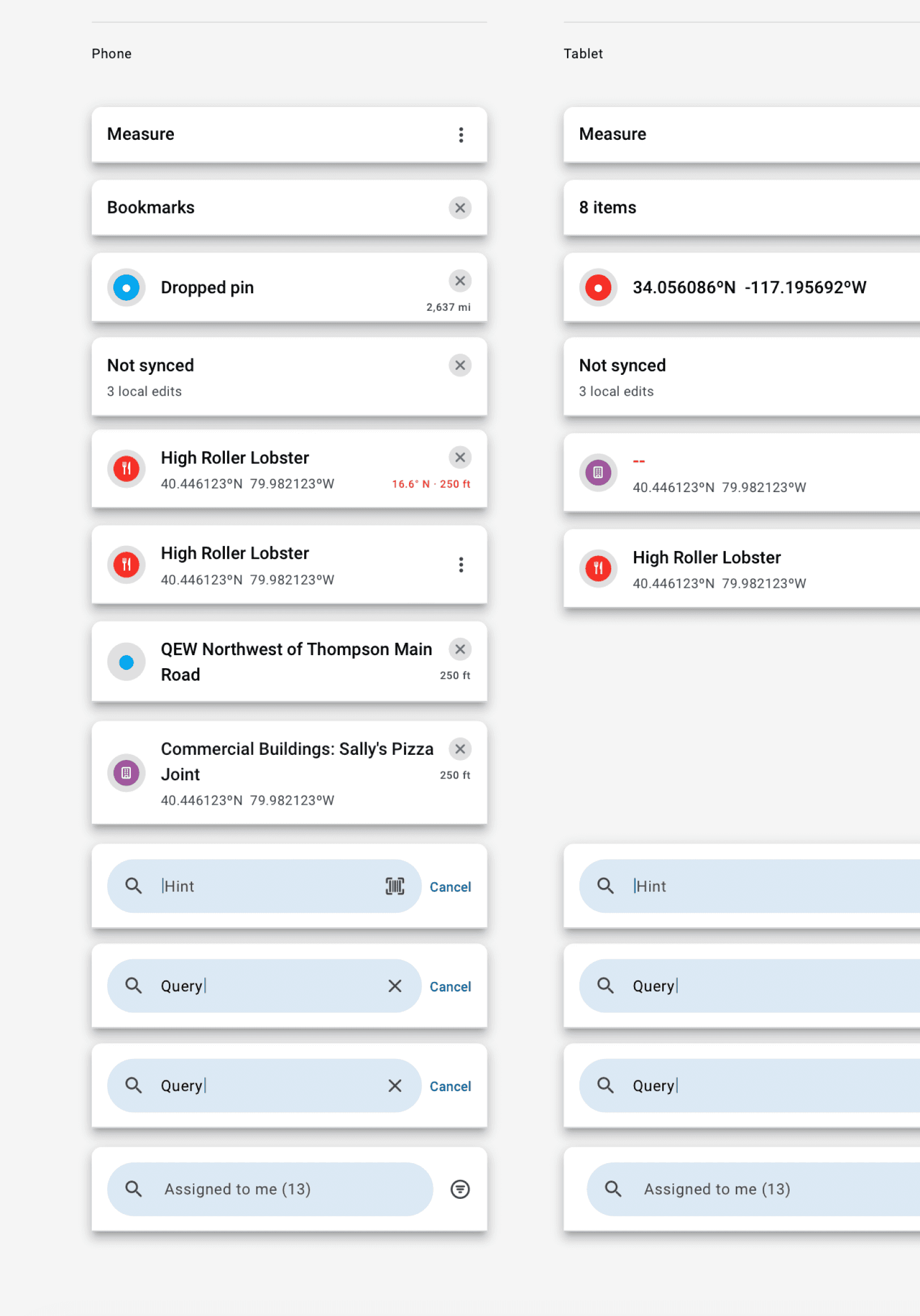
Custom Sheet Header
The components closely follow detailed anatomy guidelines listed by Google, and the custom ones are also built incorporating system font, colors, styles, etc. to maintain a consistent look.
BLENDING SYSTEM & CUSTOM CONTROLS
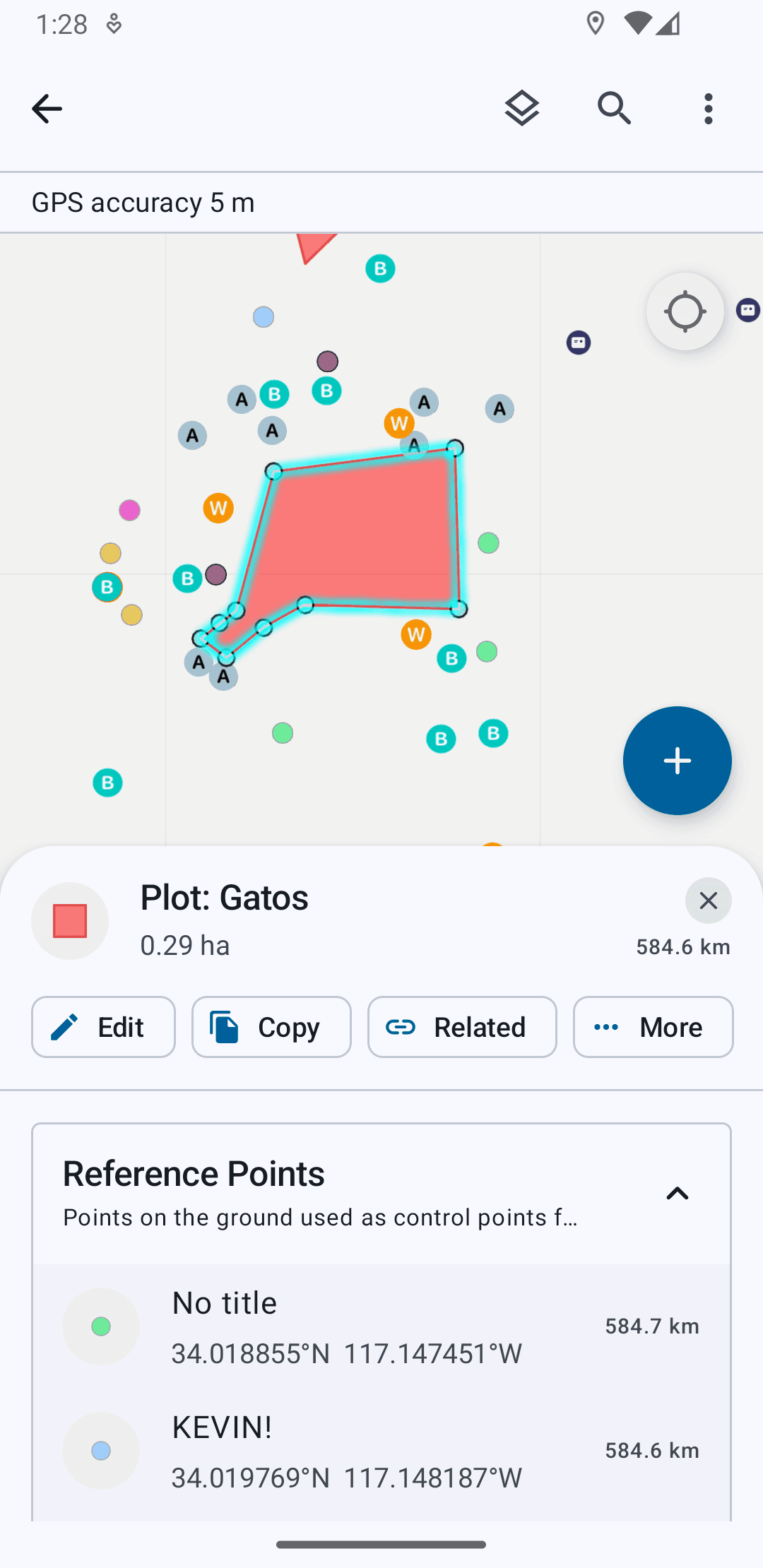
Example Flow – Identifying Features on a Map (iOS to Android)
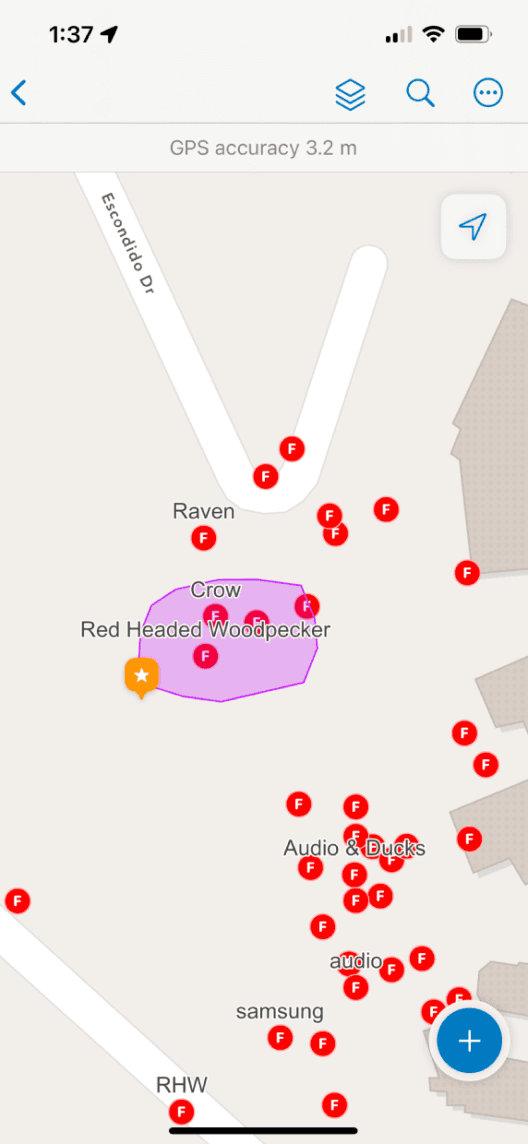
Map with Multiple Item Types
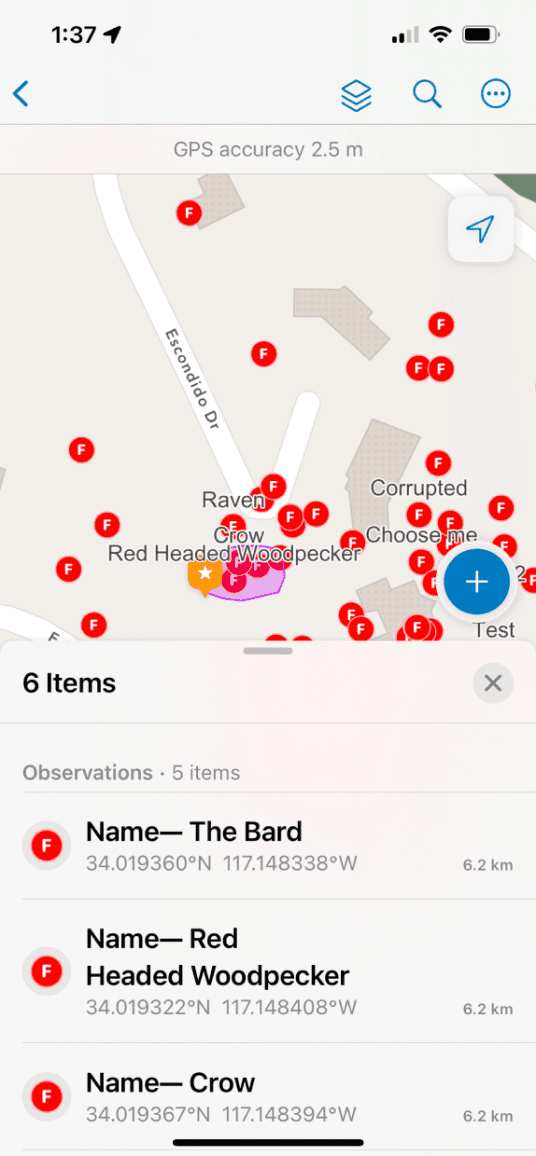
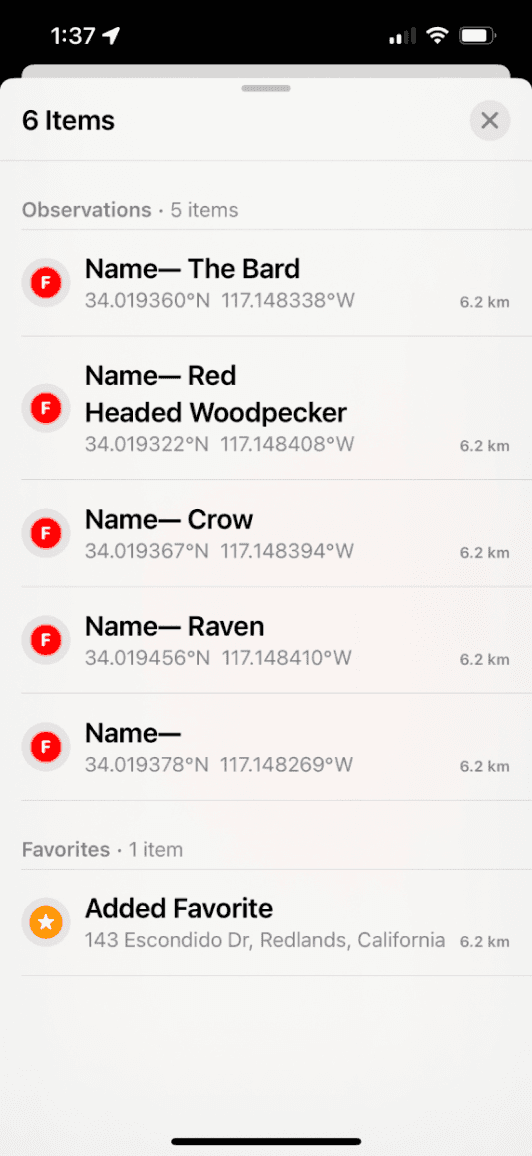
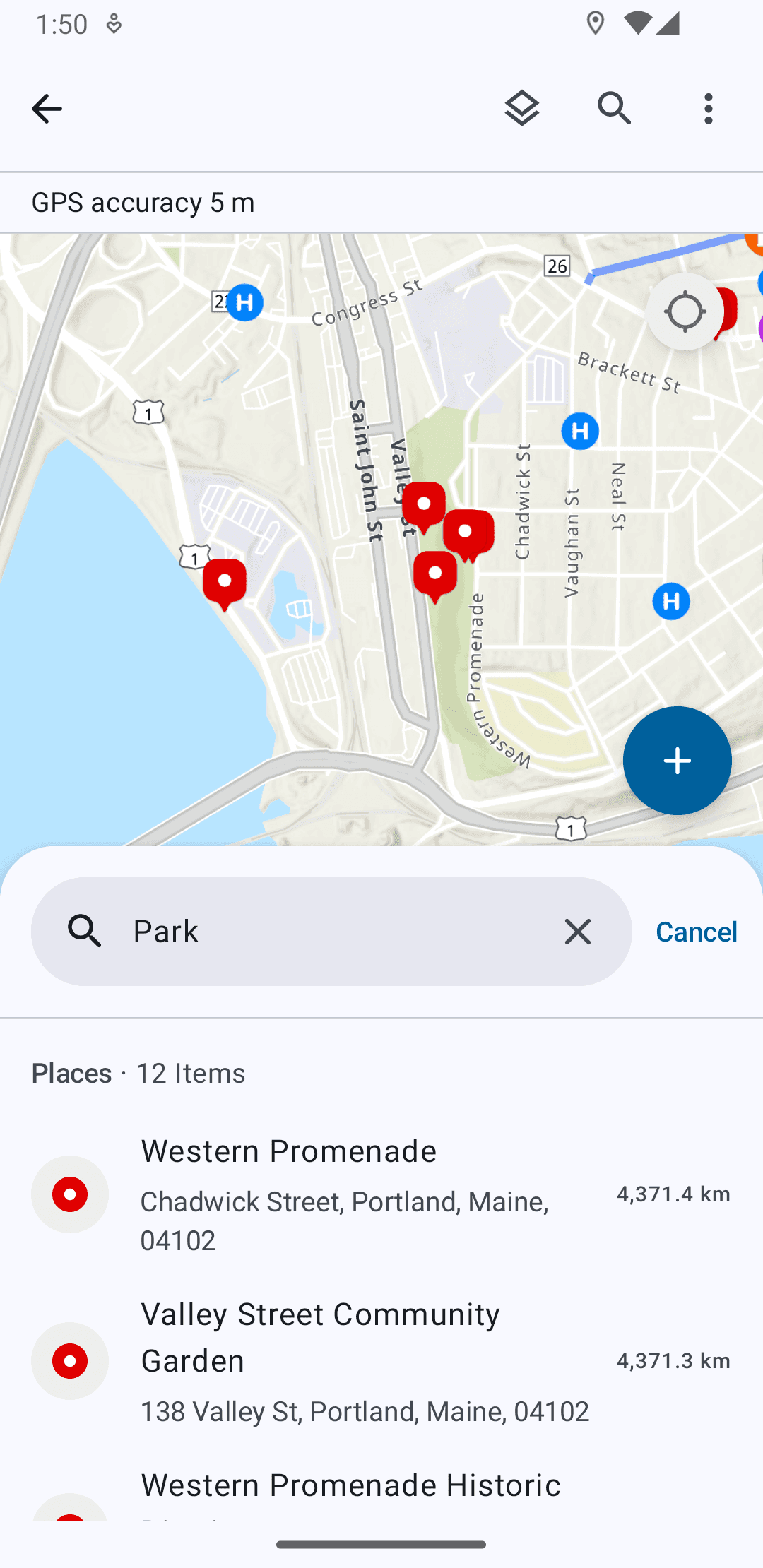
Map List Showing Selected Cluster of Items
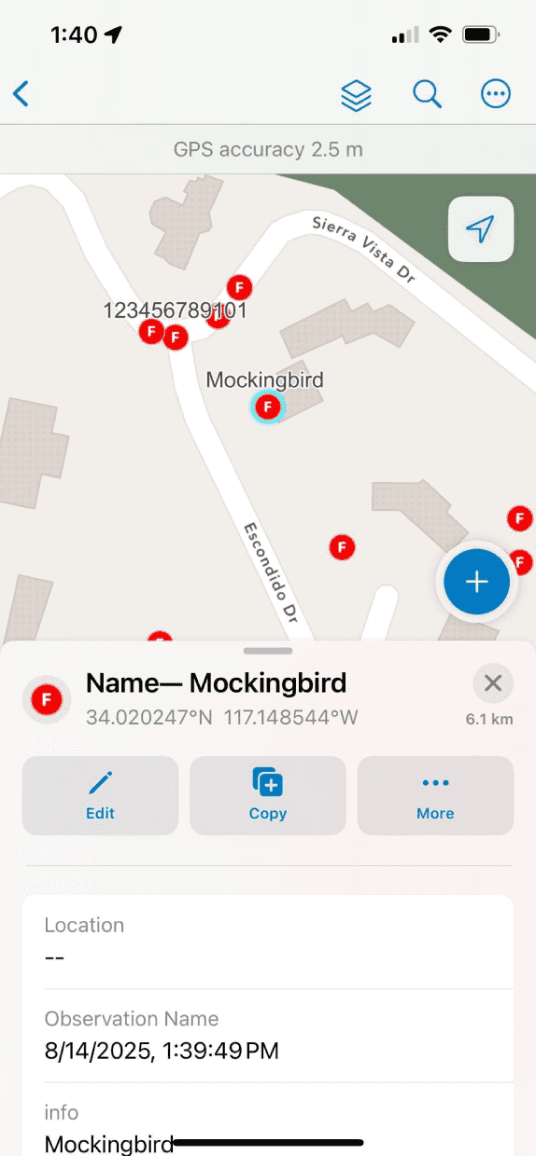
Detail View
Key Components
Bottom Sheet
Sheet Header
List Item
Section Header
Selected Feature Action Buttons
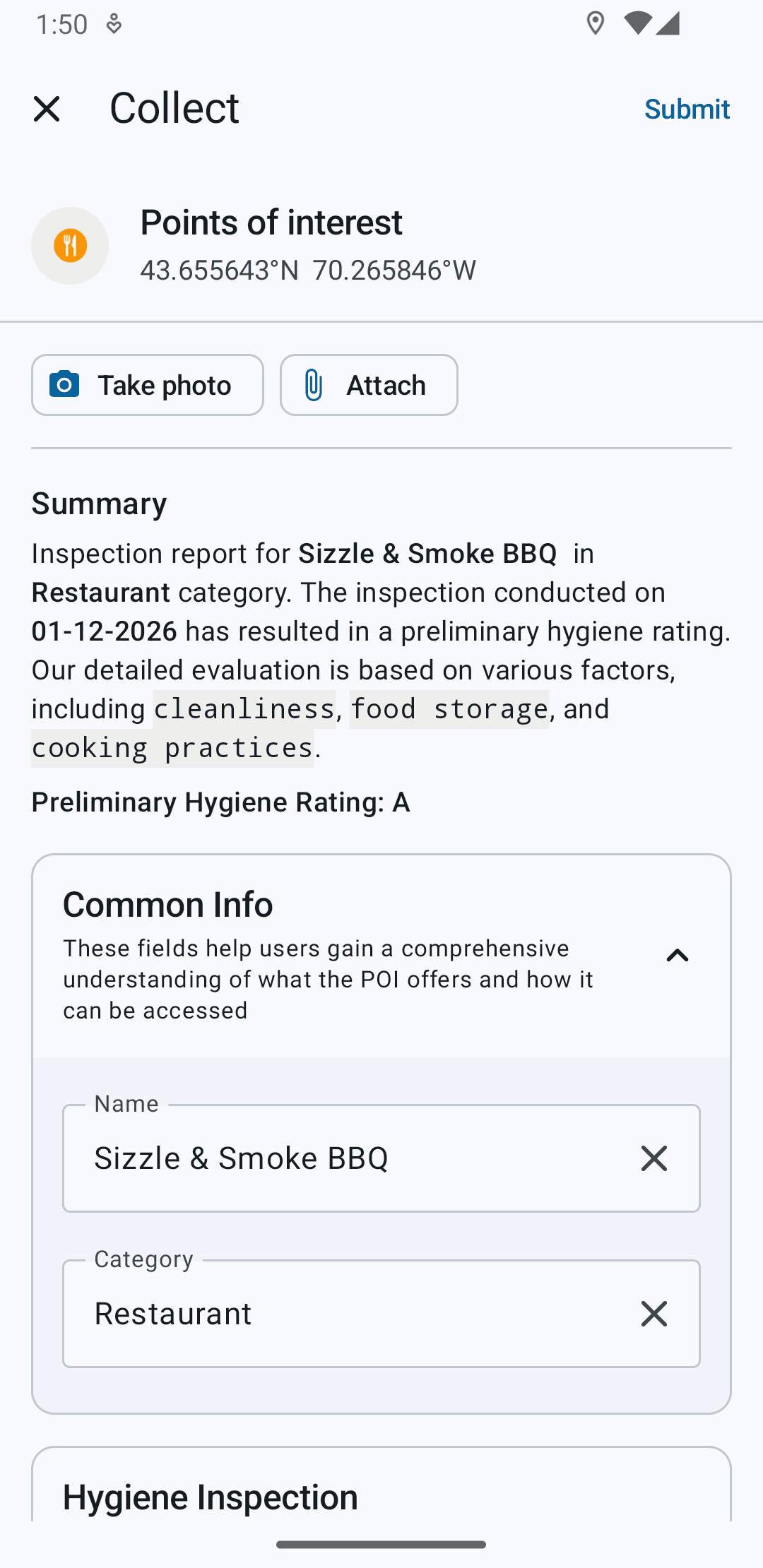
Data Fields
BUILDING FOR PLATFORM CONSISTENCY
Designing from the ground up, one platform to another
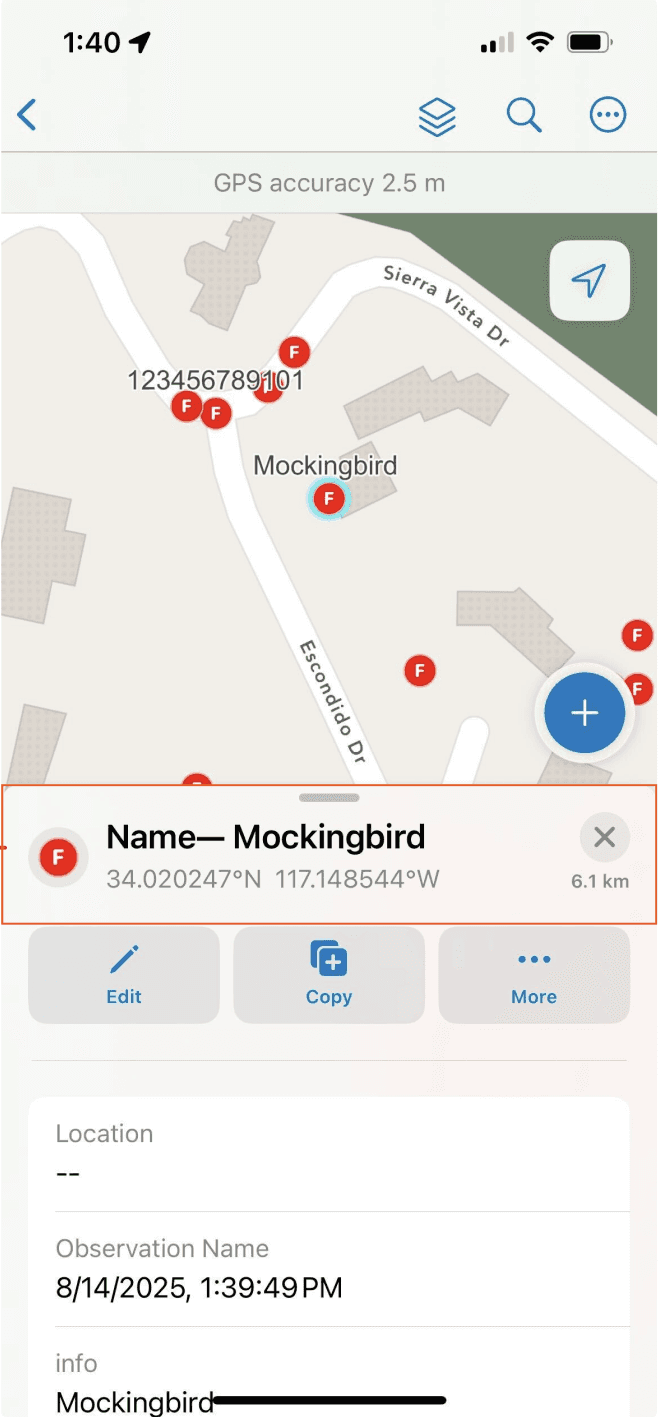
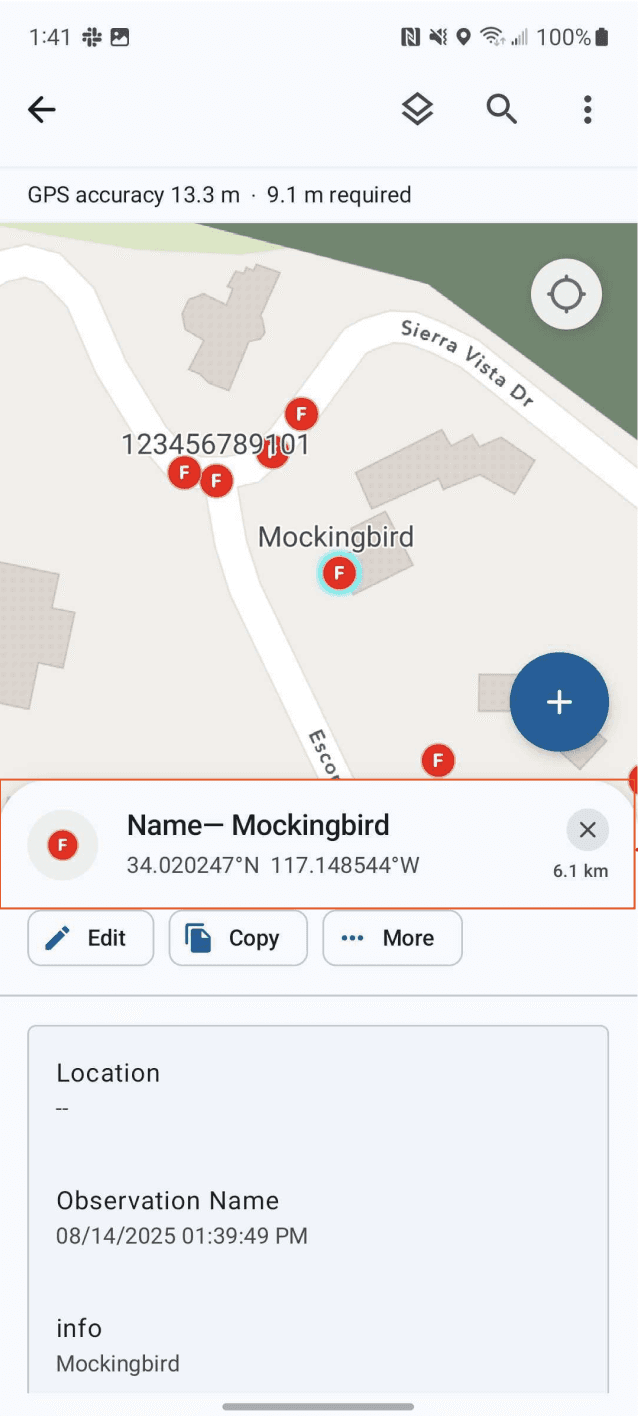
Custom Sheet Headers
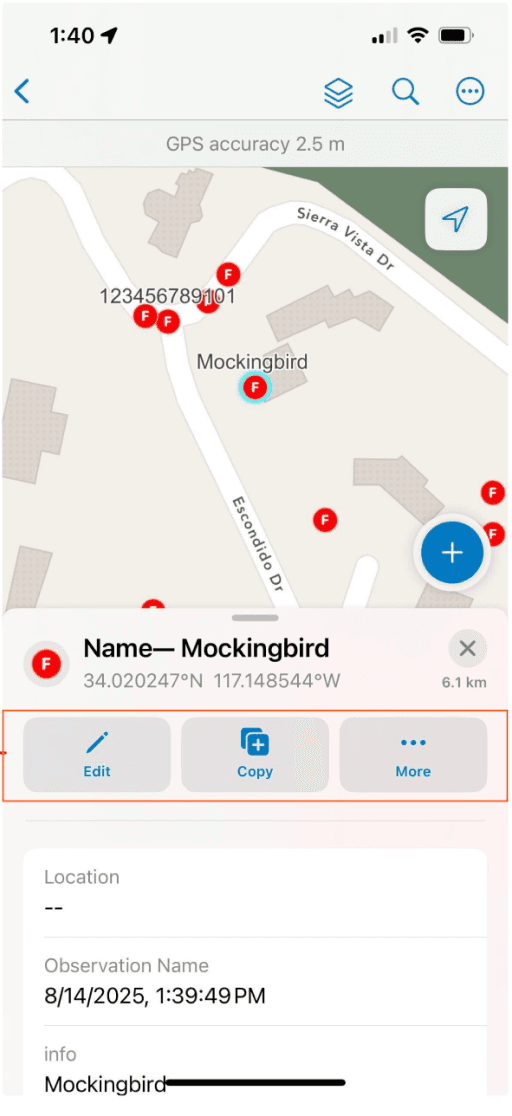
Custom iOS Buttons
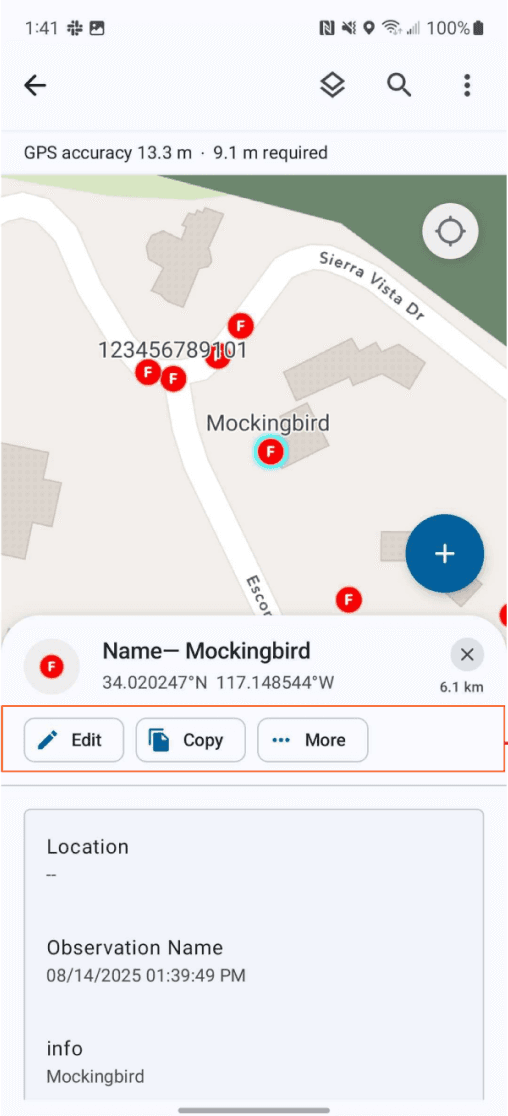
System MD3 Chips
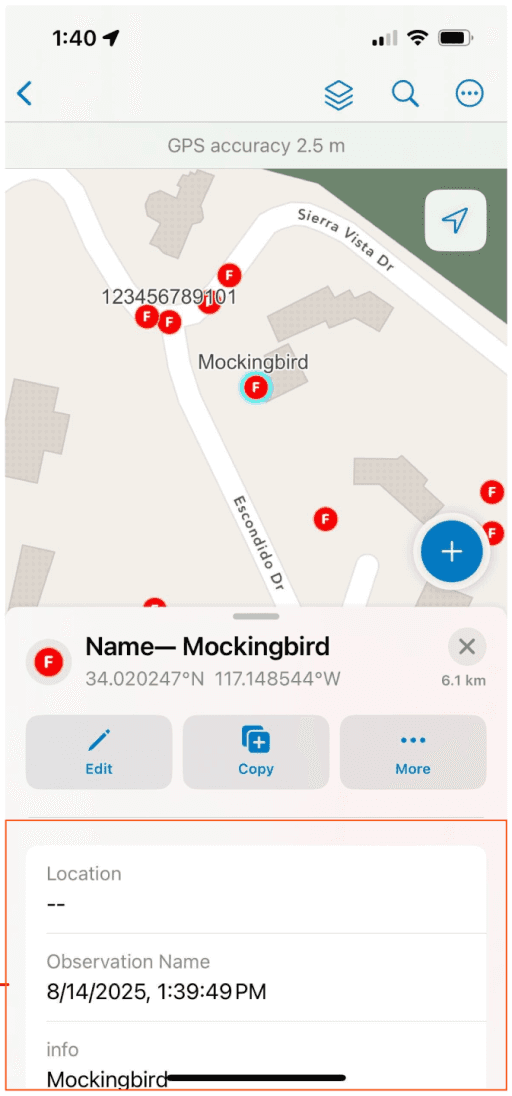
Custom iOS List Item
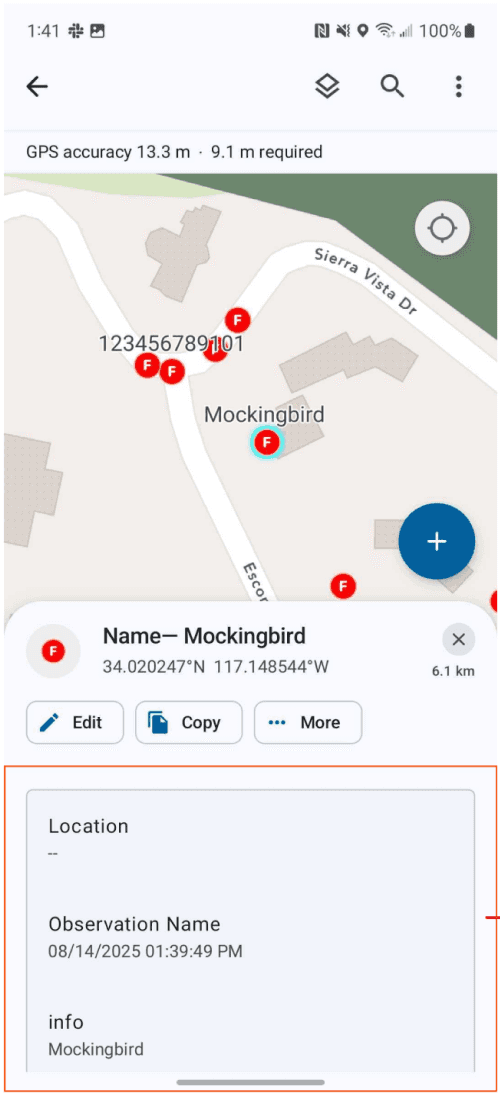
System MD3 List Item
BEYOND THE DESIGN - A11Y CONSIDERATIONS
Screen Readers and Dynamic Type
I took the reins for testing the previous version of Field Maps with screen readers and different text sizes, and did the same with QA builds for the app during the rebuild. It was apparent that work was required to make the app more accessible. For the first release, some key problems with iOS were addressed.
Navigation. The View structure needed tweaking so that VoiceOver read things out semantically.
Dynamic Type. Support for adaptable layouts as text size was increased to AX1 and beyond was necessary.
Intermittent States. VoiceOver previously did not focus on and read out any changes in state for input or submission, eg. errors.
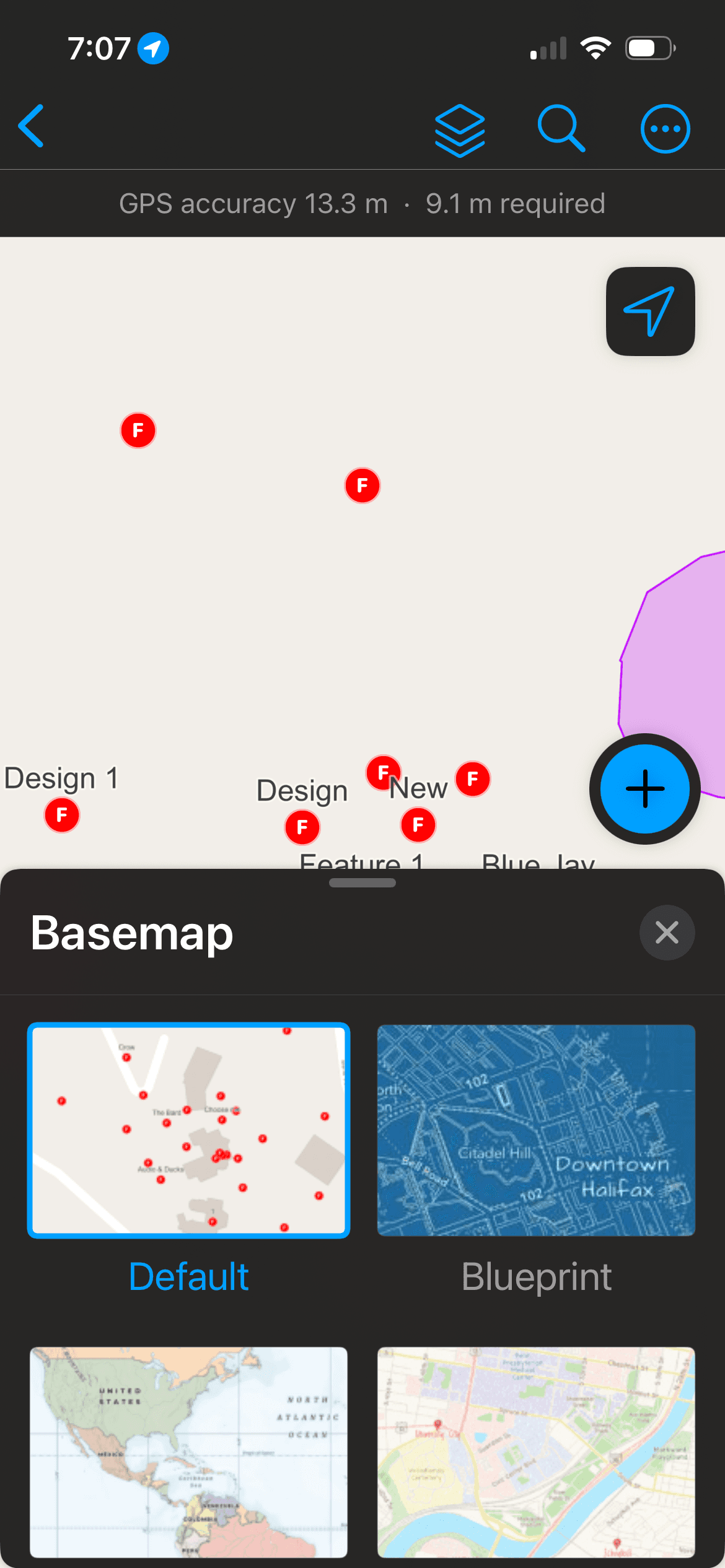
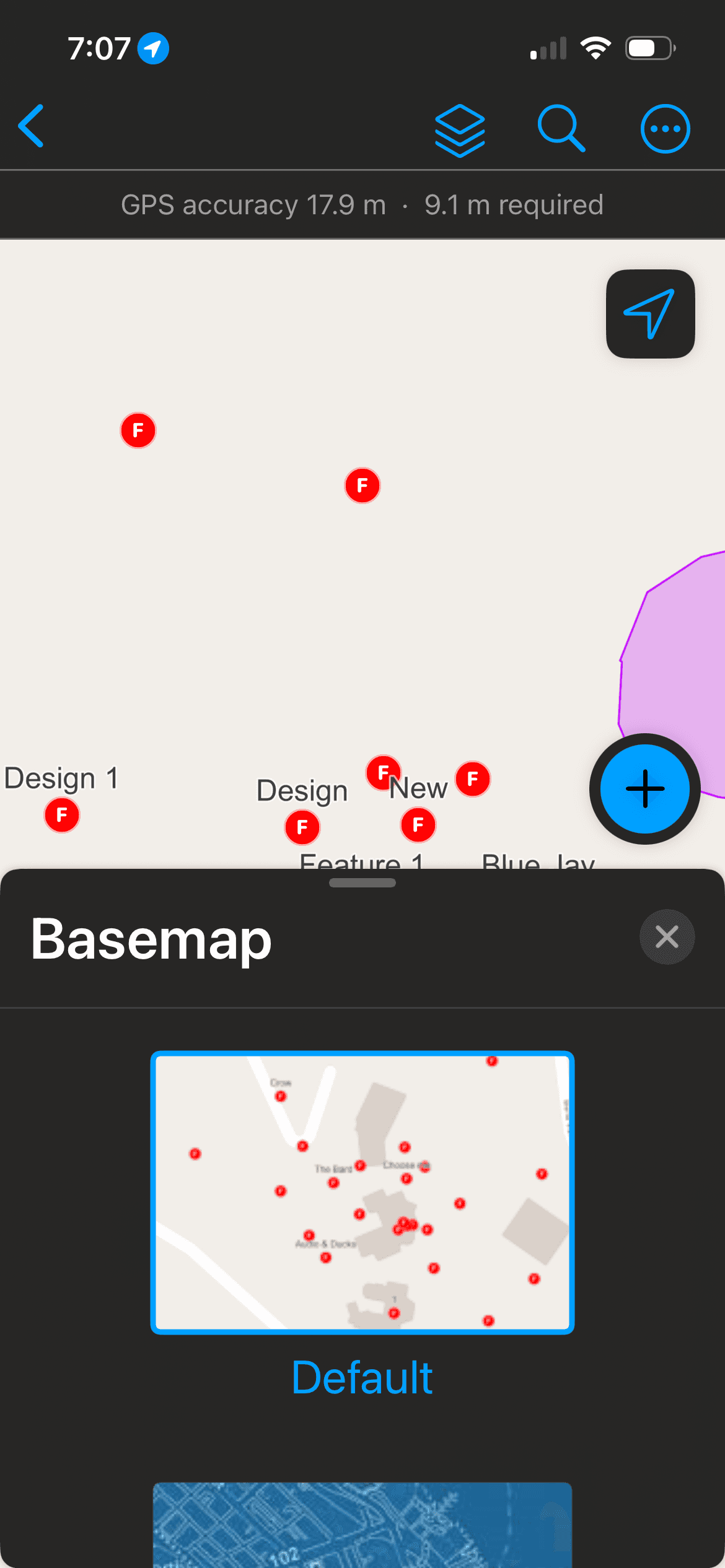
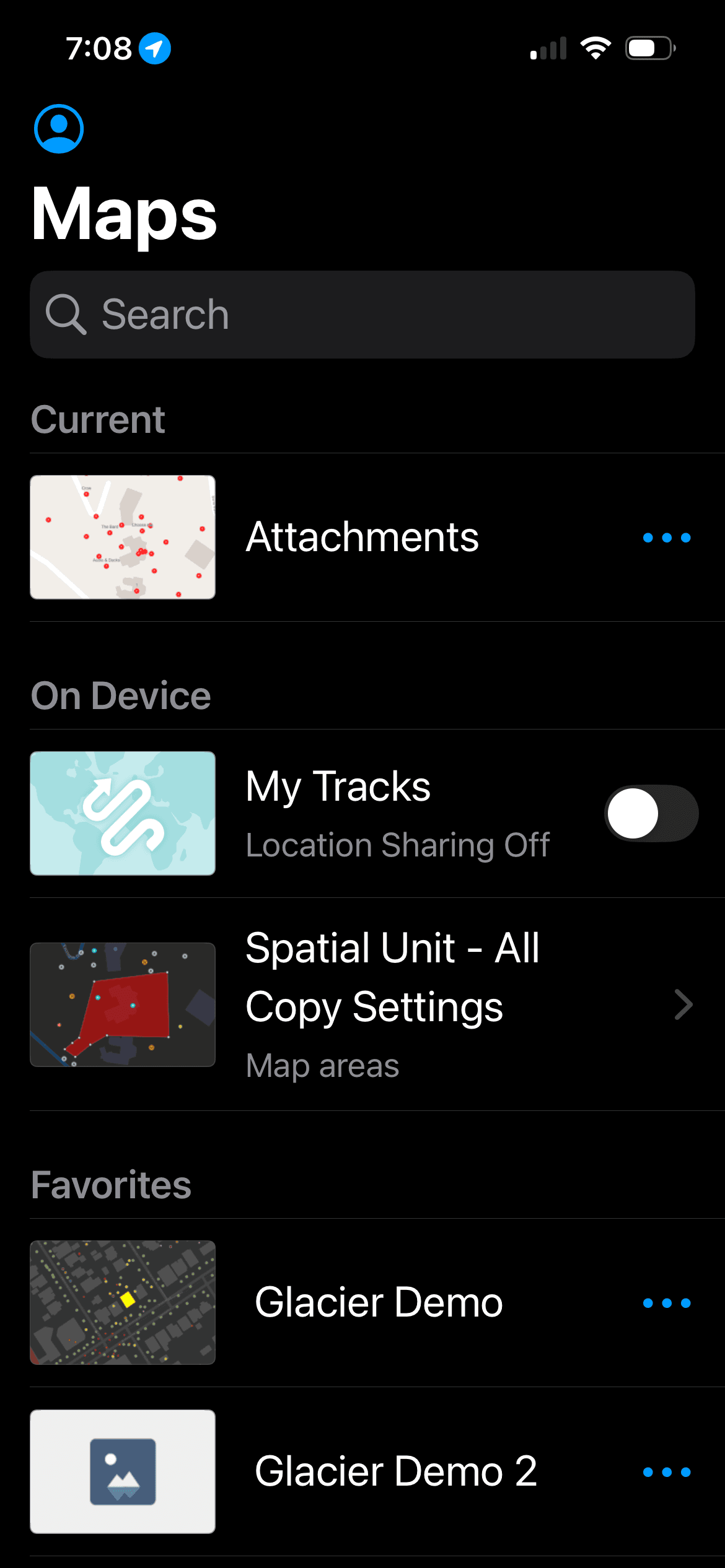
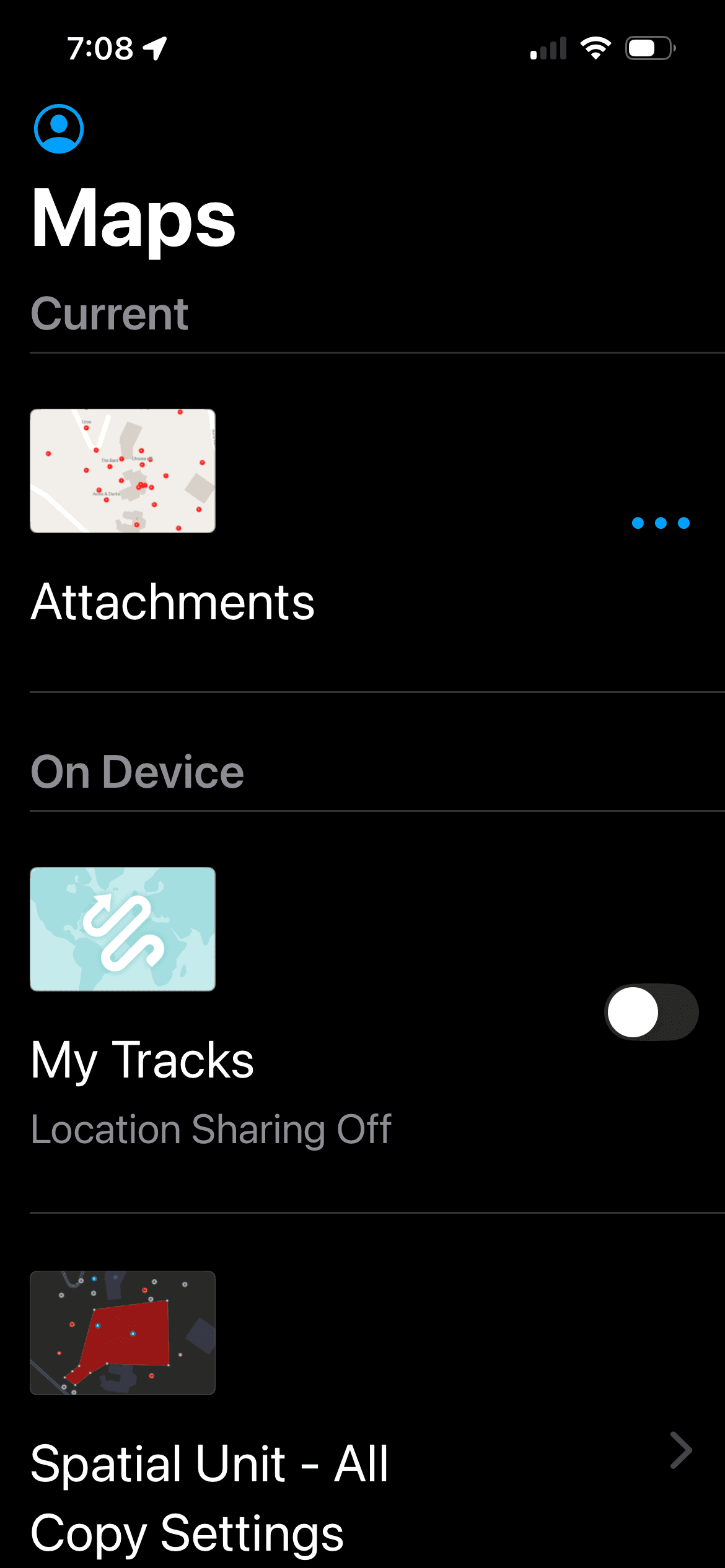
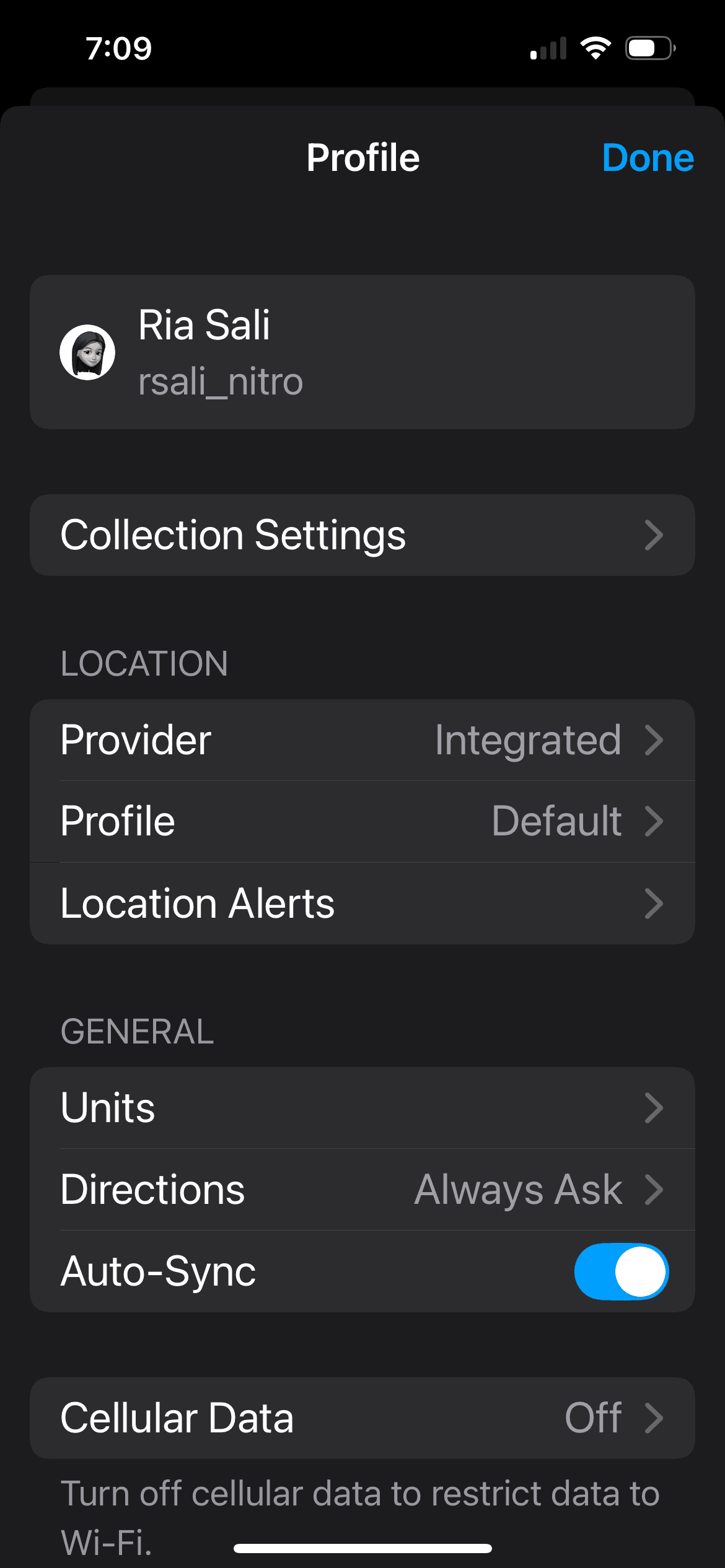
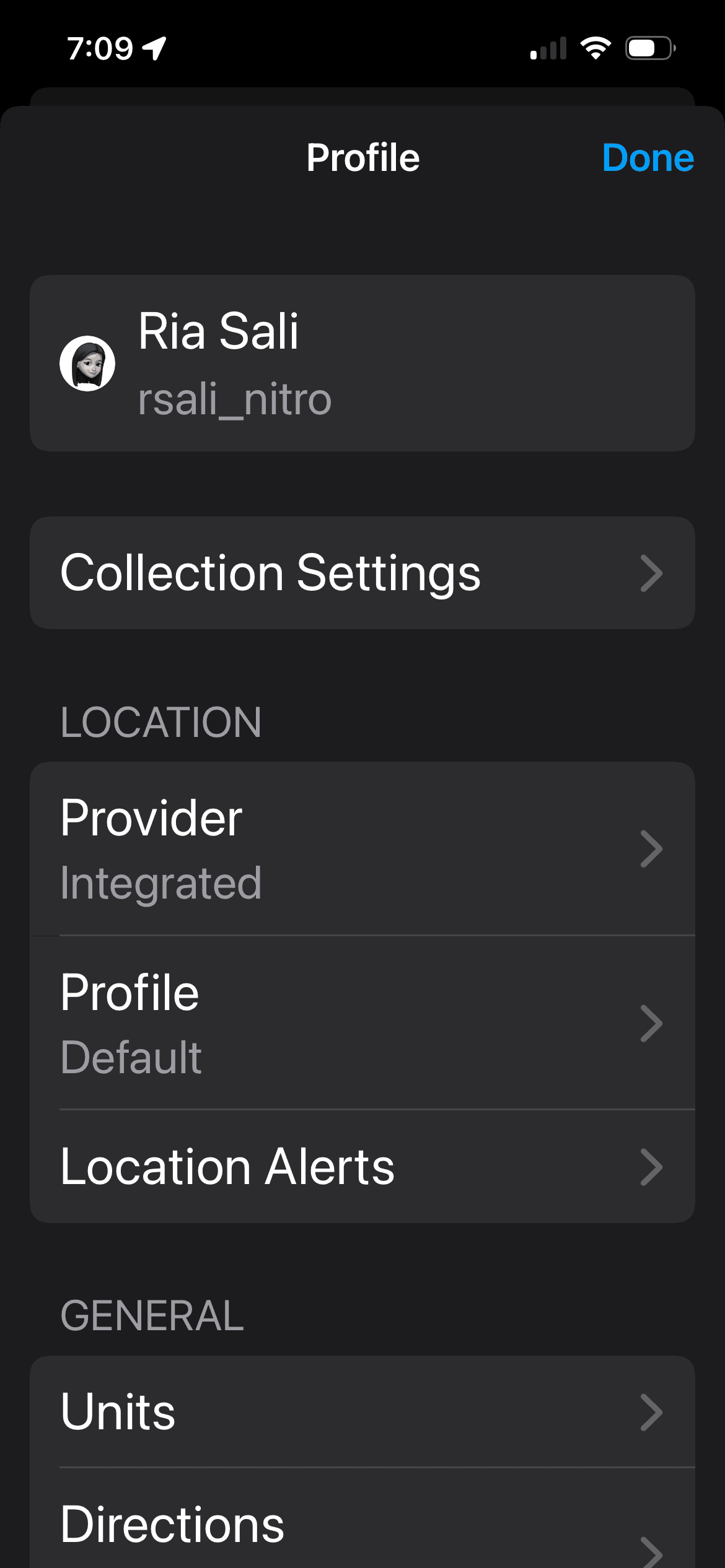
Adaptable Layouts Between the Large Text Size to AX1
This work required establishing a standard for labels, states, hints, and any gestures or custom actions for different variable components in the design like form and media elements among other layouts.
A lot of the a11y groundwork for interactive elements was successfully established for Field Maps on iOS, with some work on Android as well. However, we were limited by the lack of ability to interact with the map using native a11y tools because the Runtime SDK team at Esri, whose work powers the app, doesn’t currently support it. We involved them in cross-team discussion along with the central Accessibility team to highlight the area of opportunity for mobile and foundational patterns we could establish at the company.